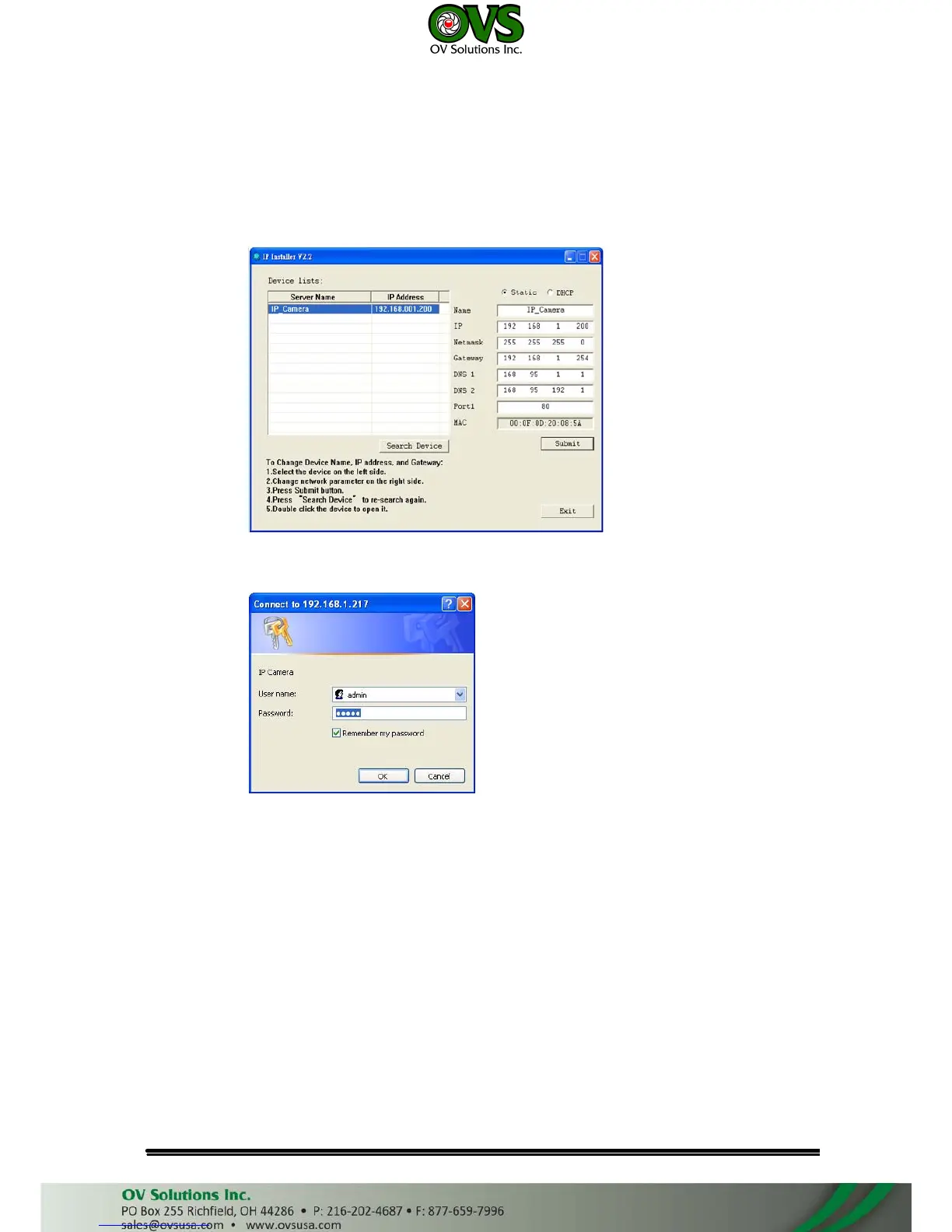
10. A quick way to access remote monitoring is to left-click the mouse twice on
a selected IP Camera listed on “Device list” of IP Installer. An IE browser will
be opened.
11. Then, please key in the default “user name: admin” and “password: admin”.
D. Install ActiveX control
For the first time to view the camera video via IE, it will ask you to install
the ActiveX component.
If the installation failed, please check the security setting for the IE browser.
1. IE→Tools → Internet Options… → Security Tab → Custom Level… →
Security Settings → Download unsigned ActiveX controls→ Select “Enable”
or Prompt.
2. IE → Tools → Internet Options… → Security Tab → Custom Level…
→Initialize and script ActiveX controls not marked as safe → Select “Enable”
or Prompt.



 To Next Page