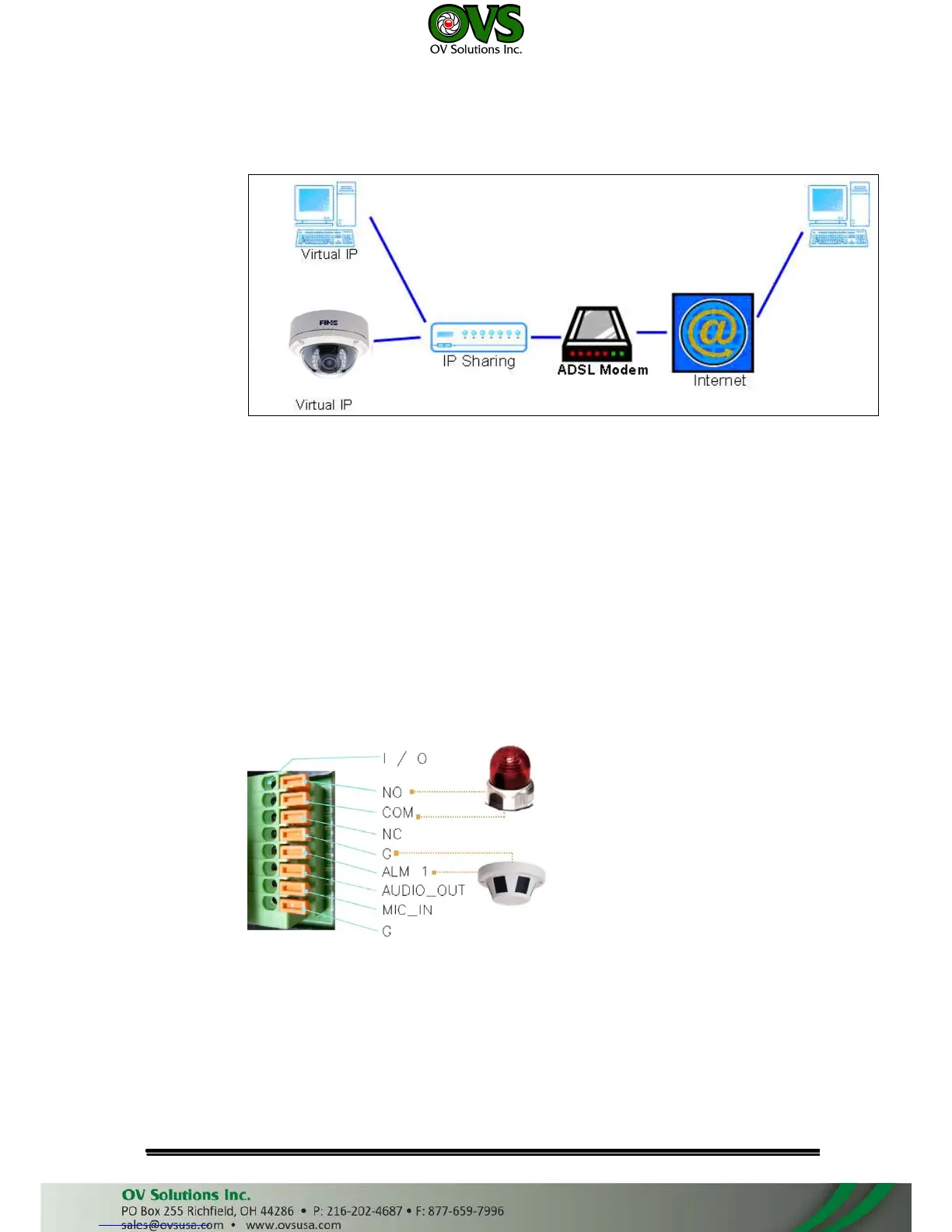
• Configuration 3:
a. Internet Access: ADSL or Cable Modem
b. IP address: one real IP or one dynamic IP
c. IP Camera and PC connect to the internet
d. Device needed: IP sharing
e. Use virtual IP, set up port forwarding in IP sharing.
VI. I/O Configuration
• I/O Connection
Use the terminal block in the camera as below:
a. Please connect the COM & N.O / N.C pin (depend on the device) to the
external relay (buzzer) device.



 To Next Page