VII.
Factory Default
• To recover the default IP address and password, please follow the following
steps.
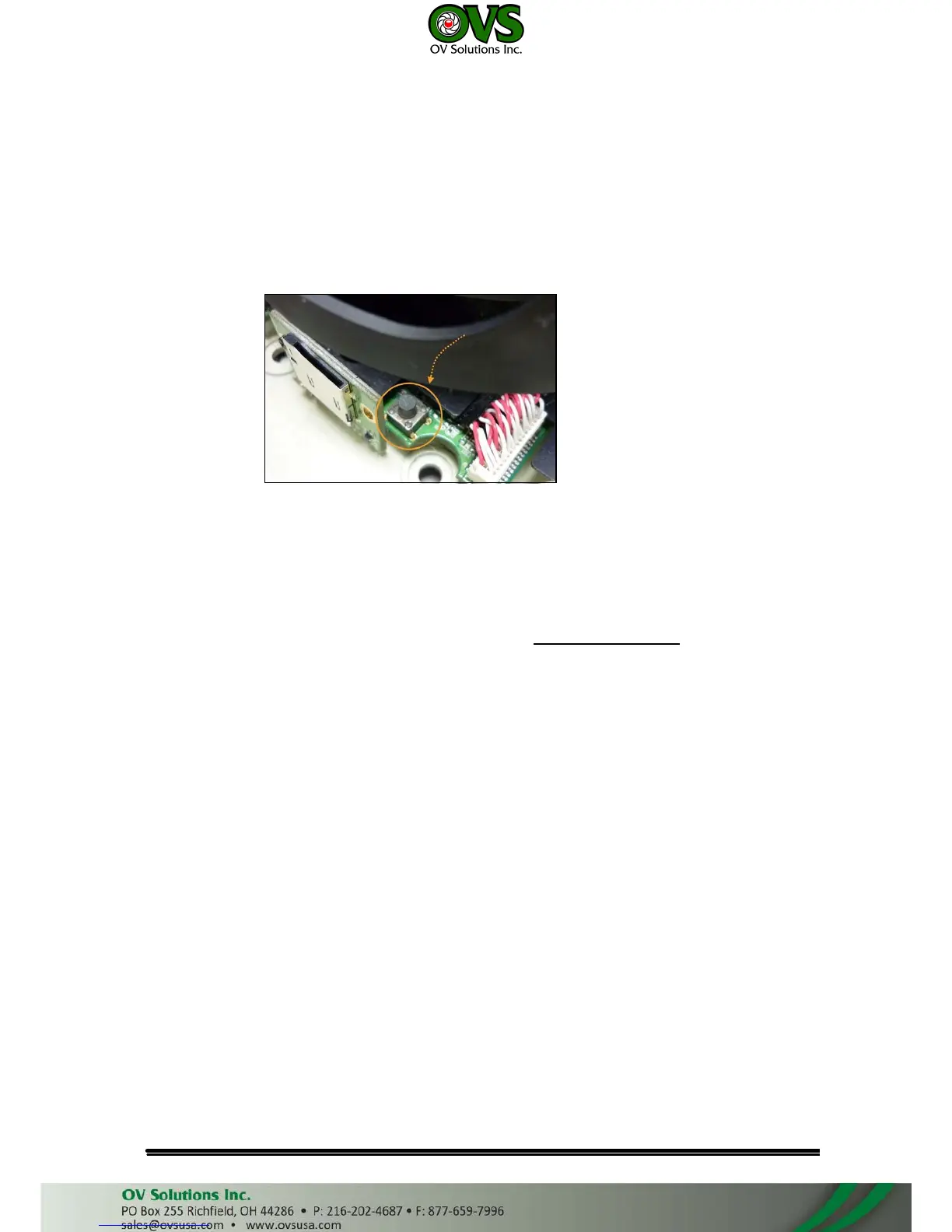
• Remove the power, Internet, and the dome cover. Press and hold the button as
the picture below.
• Connect power to the camera, and do not release the button during the system
booting.
• It will take around 30 seconds to boot the camera.
• Release the button when camera finishes proceed.
• Re-login the camera using the default IP (http://192.168.1.20), and user name
(admin), password (admin).
VIII.
Package contents
• IP Camera Network Camera
• Adaptor
• CD (Including User manual and IP installation tool)



 To Next Page