E. Live Video
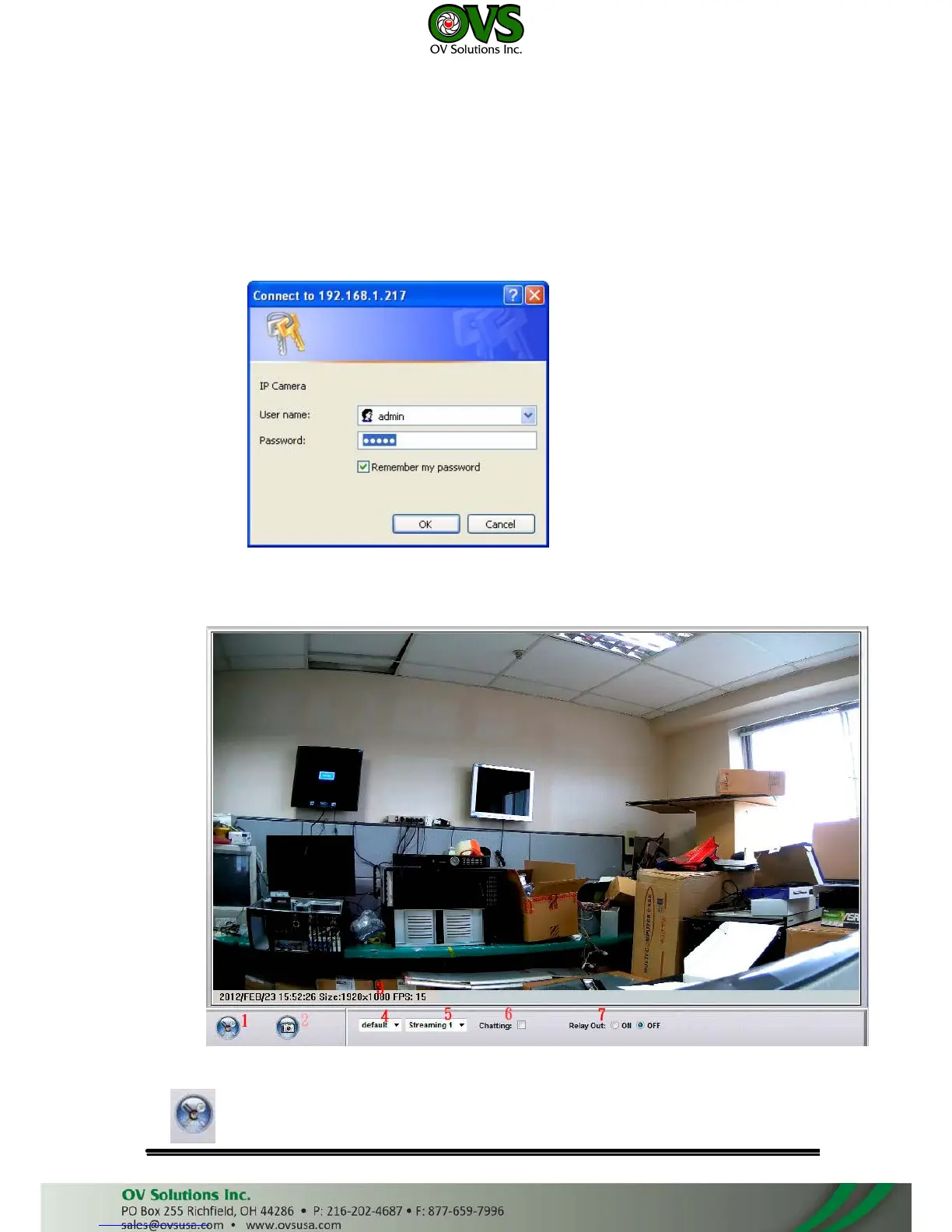
Start an IE browser, type the IP address of the IP camera in the address field.
It will show the following dialogue box. Key-in the user name and password. The
default user name and password are “admin” and “admin”.
When the IP Camera is connected successfully, it shows the following
program interface.
1. :Get into the administration page



 To Next Page