(i)
(ii)
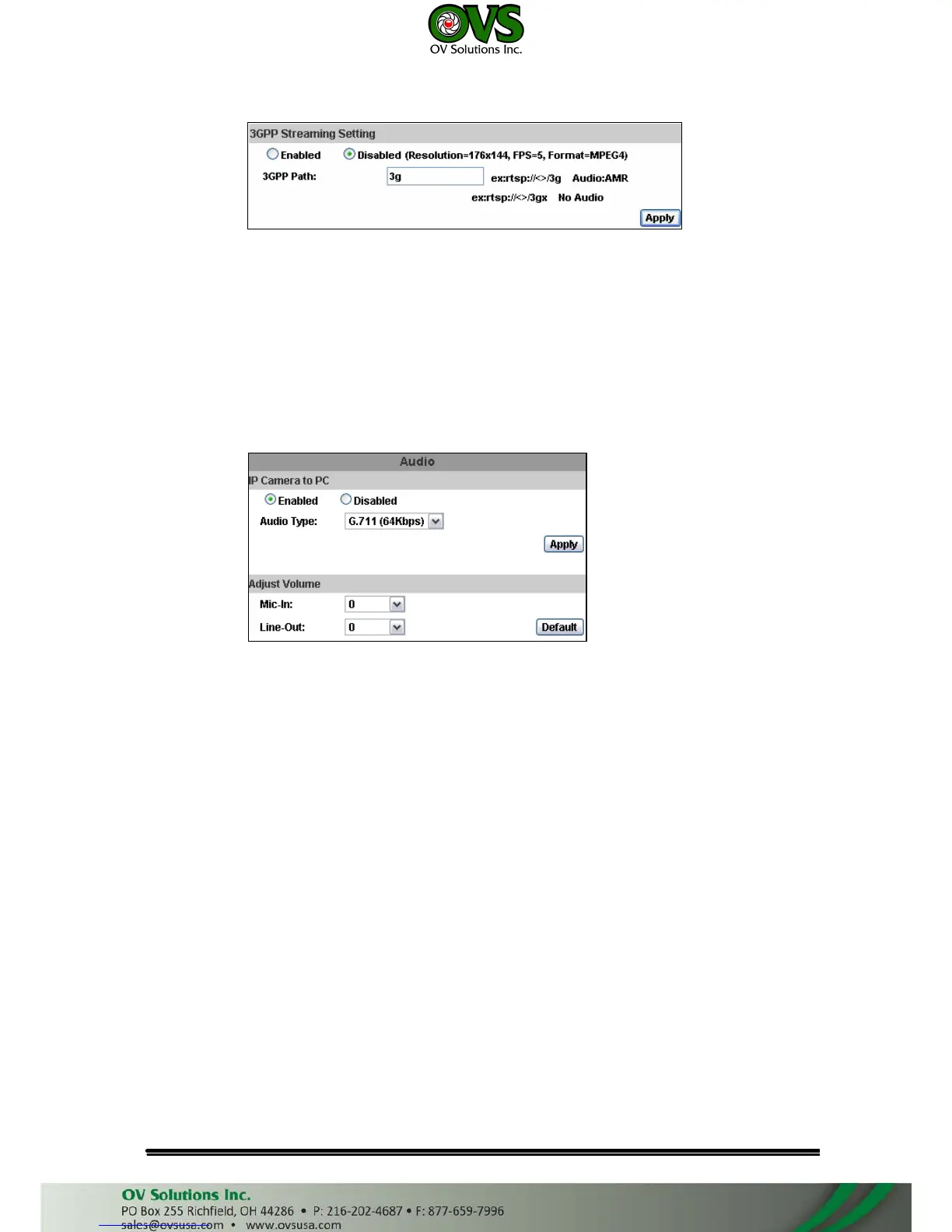
3GPP mode fixed setting: 176x144 resolution, 5FPS, MPEG4 format
Enable or Disable 3GPP Streaming
3GPP Path: 3GPP output connecting route
3. Audio:
IP Camera supports 2-way audio. User can send audio from IP Camera
mic input to remote PC; User can also send audio from remote PC mic to IP
Camera’s external speaker.
a. Audio from IP camera built-in mic to local PC: select “Enable” to start this
function.
b. Adjust Volume of audio.
c. Check “chatting” in the browsing page, then your voice can be propagated
from PC to camera.



 To Next Page