13
CONTENTS
!
1
2 3
4
5
NOTE
Not applicable to TA100C.
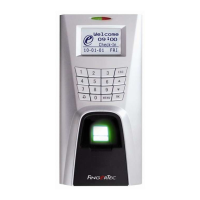
When first installing a fingerprint terminal, it is important to set the correct date and time.
Follow the steps shown to access the Date/Time adjustment menu:
INITIaL SET Up OF
THE FINGERpRINT
TERmINaL
Press once.
DLST stands for Daylight Saving Time.
Please enter the date and time in the given
column to use this feature.
• DLST
Enter date and time for daylight saving
starts.
• Standard
Enter date and time to return to standard.
Press 3 times to go to Date/Time.
Press
OK
once.
Press
OK
once to save setting.
Press to go to the desired column.
Enter value using keypads.
Press
OK
once to confirm setting.
Press
Esc
twice to return to the main menu.



 To Next Page