30
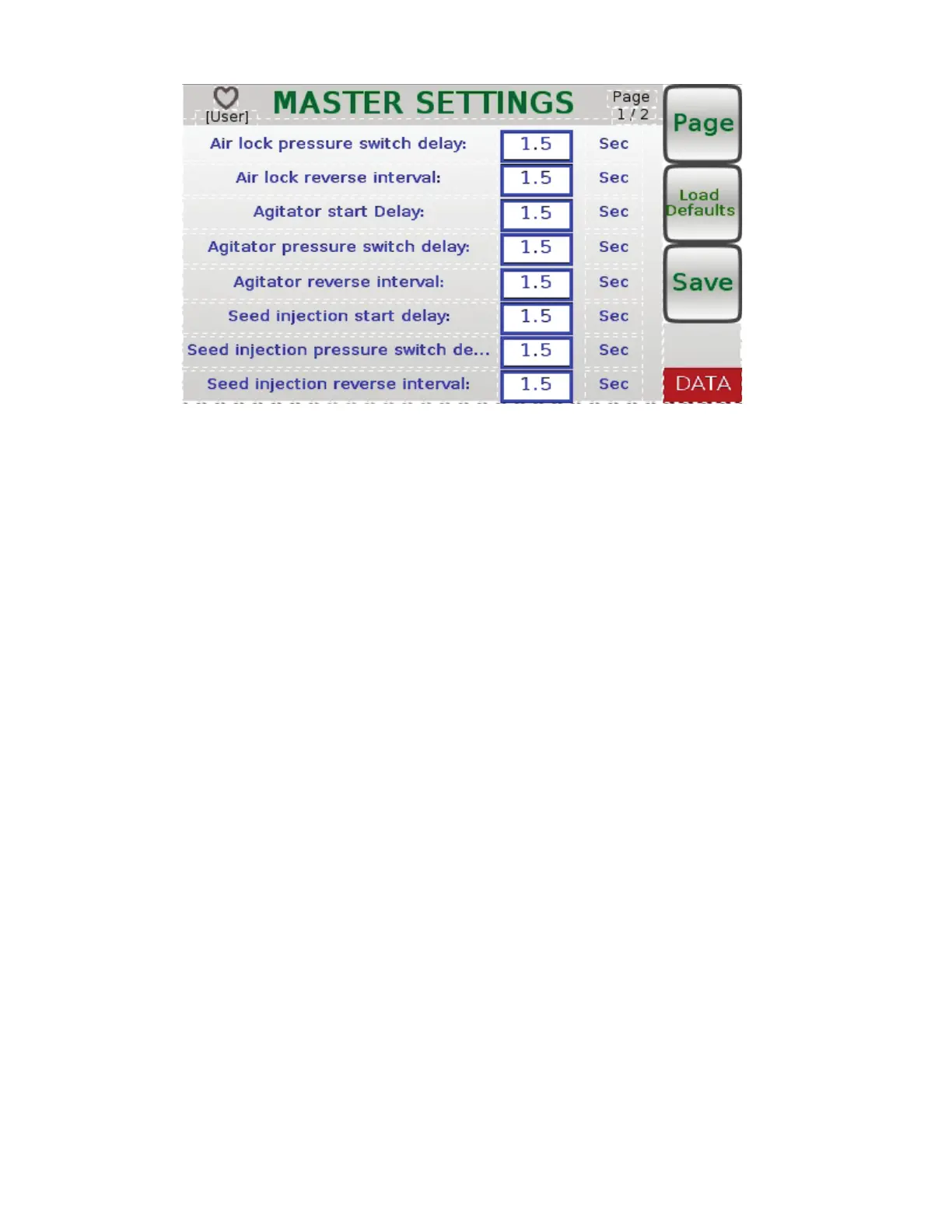
In the MASTER SETTINGS menu (see Figure 16), you can change all of the settings to meet
your needs. There are two pages located in the MASTER SETTINGS menu. To change between
pages, press the button labeled Page. If you want to change any settings, use the control knob
located on the Main Control Panel. Turn knob either left or right to scroll through the settings.
Press in on knob to select a setting you want to change and turn the knob either left or right
to change the setting. Press in on control knob to deselect a setting. Once the settings are
changed, you can save the settings by pressing the button labeled Save. If the changed settings
are not desireable, you can either change them again or press the button labeled Load Defaults.
By pressing Load Defaults, all of the factory default settings are restored.
Figure 16



 To Next Page