EasyManua.ls Logo

Fire-Lite MP-24 - User Manual

Fire-Lite MP-24
20 pages
Print Icon
To Next Page IconTo Next Page
Loading...
12 Clintonville Road, Northford, CT 06472
MP-12/24
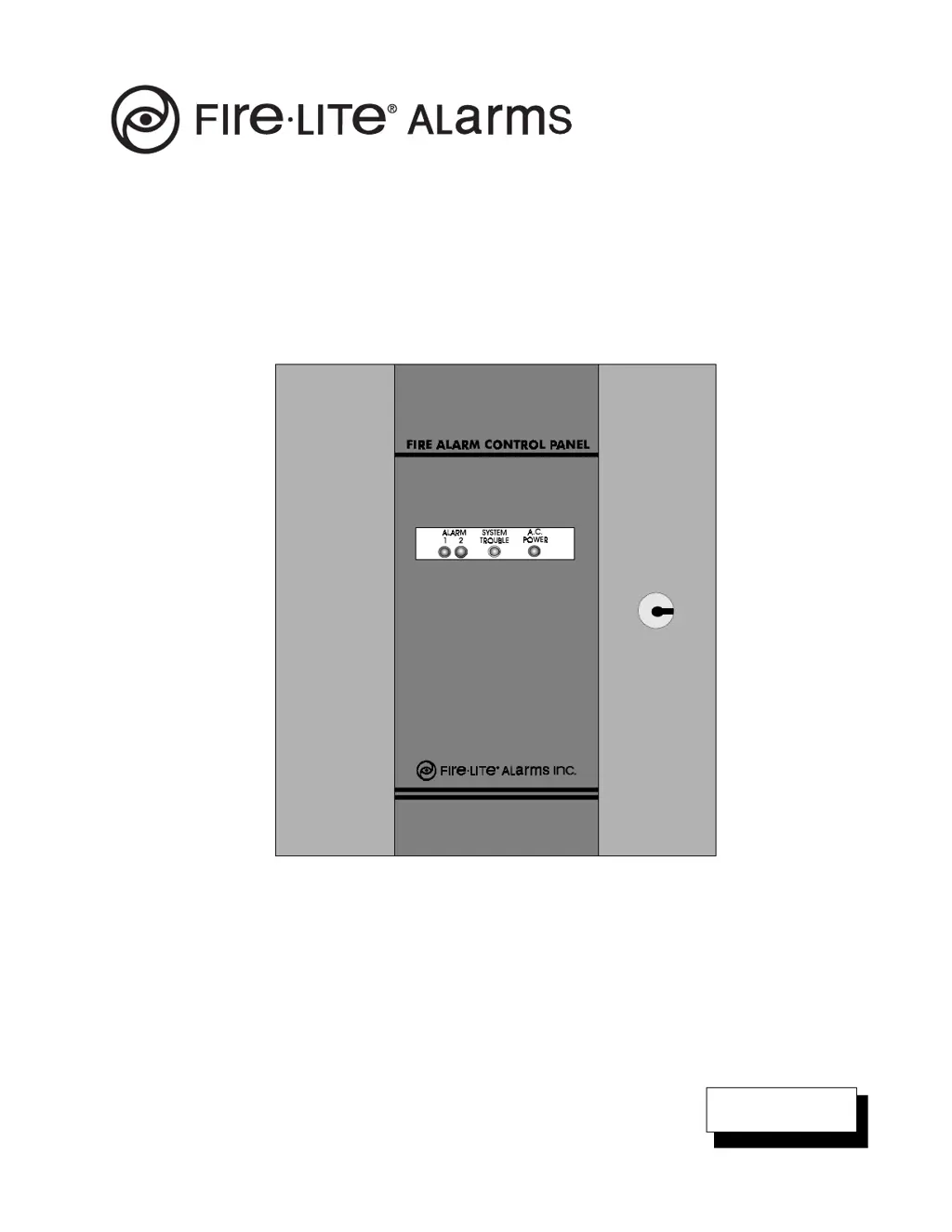
Fire Alarm Control Panel
Instruction Manual
P/N 15440:G ECN 96-200
Document 15440
6/6/96 Rev:
G

Questions and Answers

  • J
    John ByrdAug 2, 2025
    What to do if a zone is always in alarm on my Fire-Lite MP-24?
    • S
      Stephanie GriffinAug 2, 2025
      If a zone is always in alarm on your Fire-Lite Control Panel, there are several potential causes and solutions: * A defective detector could be the cause. Disconnect the field wiring and install ELRs. If the panel resets to normal, check for a damaged or incorrectly wired detector and replace it. * A shorted heat detector or activated station could be the cause. Locate the detector and replace it. * Too many smoke detectors on the zone. Reduce the number of detectors. * A damaged circuit card. Remove the zone wires and install an ELR resistor. If the trouble clears, check the field wires. If the trouble does not clear, replace the circuit board.
  • C
    Cole HarveyAug 17, 2025
    Why is the Trouble LED on and the ACP Power LED off on my Fire-Lite Control Panel?
    • L
      Lee HartAug 17, 2025
      If the ACP Power LED is off and the Trouble LED is on for your Fire-Lite Control Panel, several issues could be the cause. First, check the incoming power supply to ensure it's functioning correctly. If the power supply is not the issue, inspect the 1A fuse or circuit breaker and replace it if damaged. A damaged D37 LED could also be the cause, requiring you to replace the circuit board. Finally, a damaged power supply might be the culprit; in this case, check connector P1 for voltage readings. If there's no voltage, replace the power transformer.

Summary

Installation Precautions

FCC Warning

Canadian Requirements

General Information

Standard Features

Details the standard features of the fire alarm control panel.

Controls and Indicators

Controls and Indicators Descriptions

Details the function and meaning of various panel controls and status indicators.

Technical Specifications

System Power Requirements

Details operating voltage, current draw, and battery requirements for the system.

Detection Loop Specifications

Specifies voltage, current, and resistance for detection loops.

Two-wire Smoke Detector Specs

Provides voltage and current specifications for two-wire smoke detectors.

Notification Appliance Circuits Specs

Outlines specifications for notification appliance circuits and compatible devices.

External Device Power Output

Specifies the regulated DC output for external devices.

Battery Charger Specifications

Details the float type battery charger specifications.

Optional Modules

Lists compatible optional modules and their specifications.

System Control Switches

Describes the function of system control switches.

System Status Indicators

Lists the system status indicators like LEDs.

Installation Instructions

Printed Circuit Board Removal

Instructions for safely removing the main printed circuit board.

Optional Module Installation

Steps for installing optional modules onto the main circuit board.

Printed Circuit Board Installation

Procedures for reinstalling the printed circuit board after wiring.

Alarm Initiating Devices Wiring

Guidance on wiring alarm initiating devices like detectors and pull stations.

Four-Wire Smoke Detector Wiring

Power and supervision requirements for four-wire smoke detectors.

Two-Wire Smoke Detector Wiring

Details on connecting and powering two-wire smoke detectors.

Sprinkler System Waterflow Alarm Wiring

Instructions for connecting sprinkler system waterflow alarm devices.

Notification Appliance Circuits Wiring

Instructions for connecting notification appliance circuits and wire sizing.

Regulated DC Output Usage

Information on the regulated DC output for low current electronic devices.

AC Power Connections

Details on connecting the primary AC power source to the panel.

Standby Battery Power Installation

Guidance on battery selection, installation, and connection.

Periodic Testing and Maintenance

Pre-Testing Procedures

Steps to take before performing system testing and maintenance.

System Testing Procedures

Procedure for conducting periodic system tests and checks.

Troubleshooting Guide

Troubleshooting Tips

General advice and best practices for troubleshooting the system.

AC Power LED Off, Trouble LED Off

Troubleshooting steps when AC power and trouble LEDs are off.

AC Power LED Off, Trouble LED On

Troubleshooting steps when AC power LED is off and trouble LED is on.

Trouble LED On, AC Power LED On

Troubleshooting steps when both trouble and AC power LEDs are on.

Battery Selection Guide

Limited Warranty

Fire-Lite MP-24 Specifications

General IconGeneral
BrandFire-Lite
ModelMP-24
CategoryControl Panel
LanguageEnglish

Related product manuals