3
2.1 Opening the Lock
The safe lock system has default codes installed
as follows:
Manager Code (ID01) 123456
Manager Code (ID02) 654321
STEP 1: When the screen is off, pressing the up and
down select and return keys is invalid.
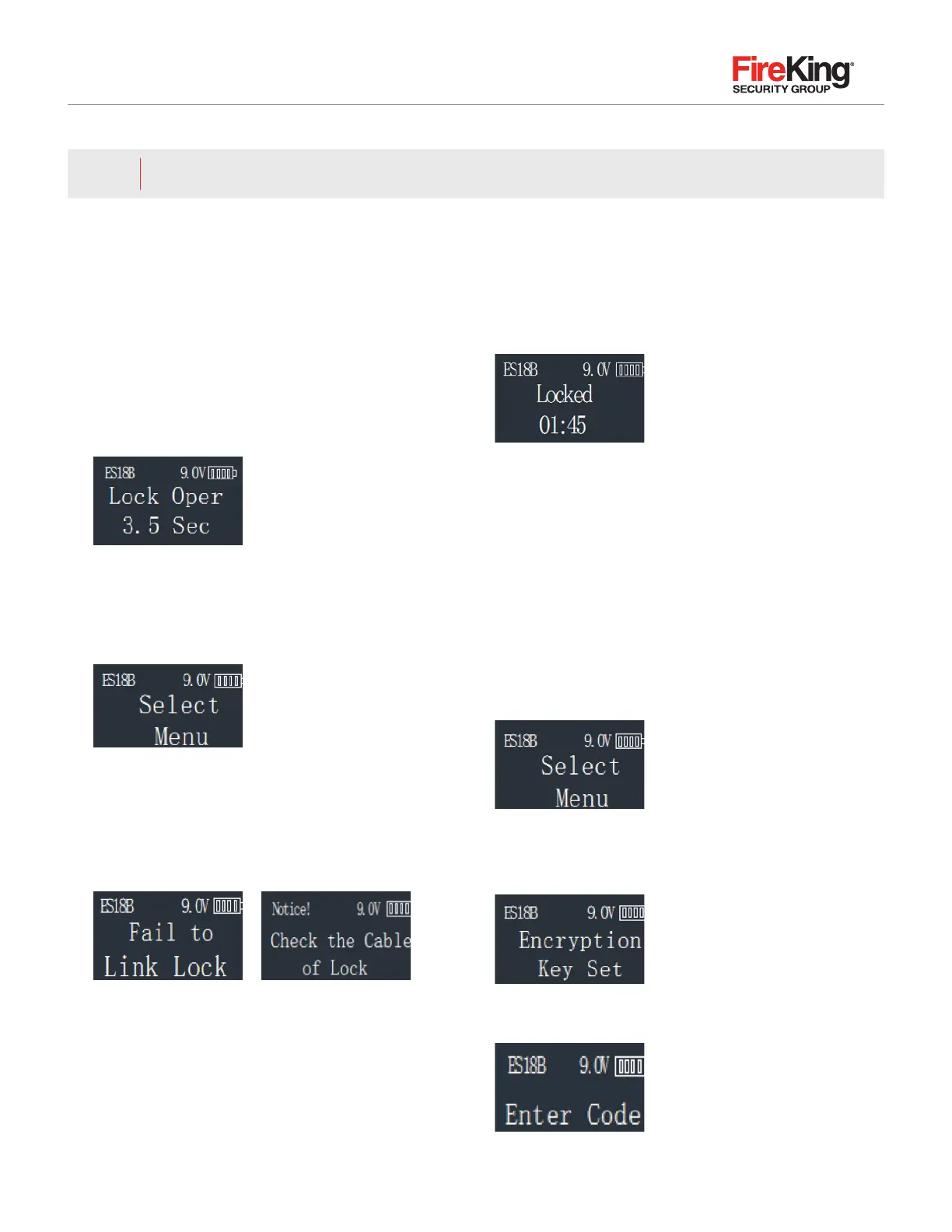
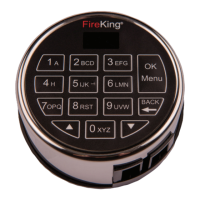
STEP 2: Enter the 6-digit-8 code and press “Menu/OK”
key and the Lock will open. The display will read:
The lock will relock after 3.5 seconds.
Note 1: Time to relock is hard coded and cannot be
changed. During unlocking period 2, the following
will be displayed:
At this point, use the up and down keys to browse
the menu, press “Menu/OK” key into the following
2.2 ~ 2.13 permissions.
Note 2: When the cable is not connected with the lock
body, the following will be displayed:
The LCD will display “invalid code” when the input
password is wrong, then return to the standby state after
2 seconds. When the wrong password is input more
than 4 times, the system locks for 4 minutes and display
will flash every 15 seconds. Countdown starts and the
following will be displayed:
2.2 Encryption Key Set
The ES18B sends and receives date to the lock in an
encrypted form. This is a security measure to ensure that
all data is protected. The Encryption Key is set during
the manufacturing process with a default encryption key
value. This value can be changed using the Encryption
Key Set menu selection.
Note: If the Encryption Key is changed from the default
setting, this value must be maintained, as it is a vital
element to communicate with the lock inside the safe.
STEP 1: Enter a valid code
STEP 2: Using the ▲ and ▼ scroll to the “Encryption Key
Set” and Press Menu/OK.
STEP 3: Display will read “Enter Code.” Enter existing
Encryption Key (60612000). Press Menu/OK.
Administrator user(ID01, ID02(2.0


 To Next Page