7
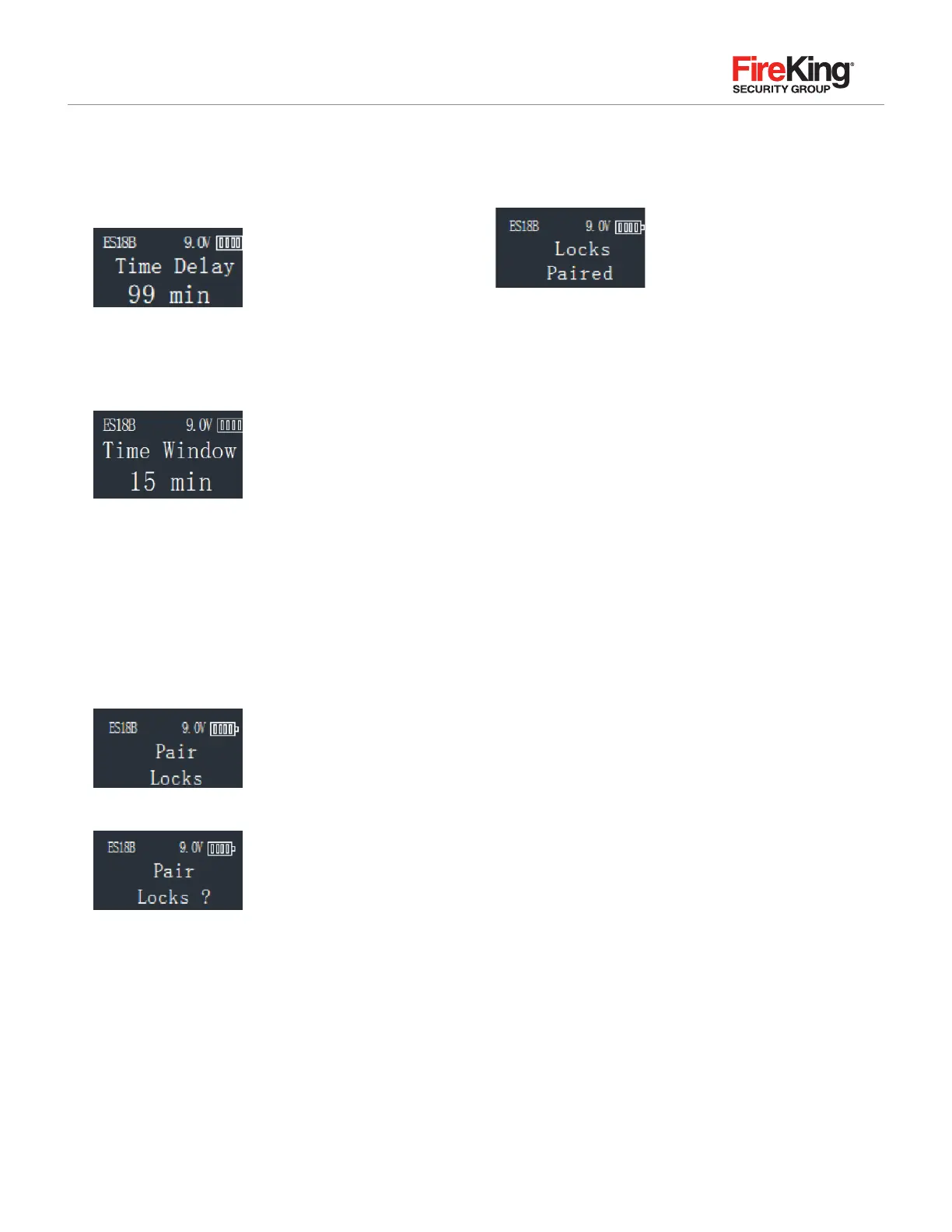
STEP 3: Press the ▲ and ▼ to adjust the Time Delay
value (0-99 minutes). Press Menu/OK.
STEP 4: The system will now display the Time Window.
This is the preset length of tie allowed to enter a valid code
after Time Delay has expired. Press the ▲ and ▼ to select
the time window value desired.
STEP 5: Press Menu/OK.
2.13 Pair locks (paired the lock)
After code lock need to change lock body or Keypad it
needs to pair.
STEP 1: Enter a valid code
STEP 2: Scroll UP to the menu selection “Pair Locks.”
STEP 3: LCD display “Pair Locks?”
STEP 4: Press Menu/OK. LCD display:
Pair lock is success.
Note:
1. Users use the manager password of new Keypad into the
lock pair menu when the lock change to Keypad. Lock open
password is old manager password of the Keypad after the
success of the pair lock.
2. Users use the manager password of Keypad into the lock
pair menu when the lock change to lock body (the door is
already open of the safety box. Lock open password is new
manager password of the lock body after the success of
the pair lock.


 To Next Page