Operating Menus
Model DW-700/702 User's Manual
16
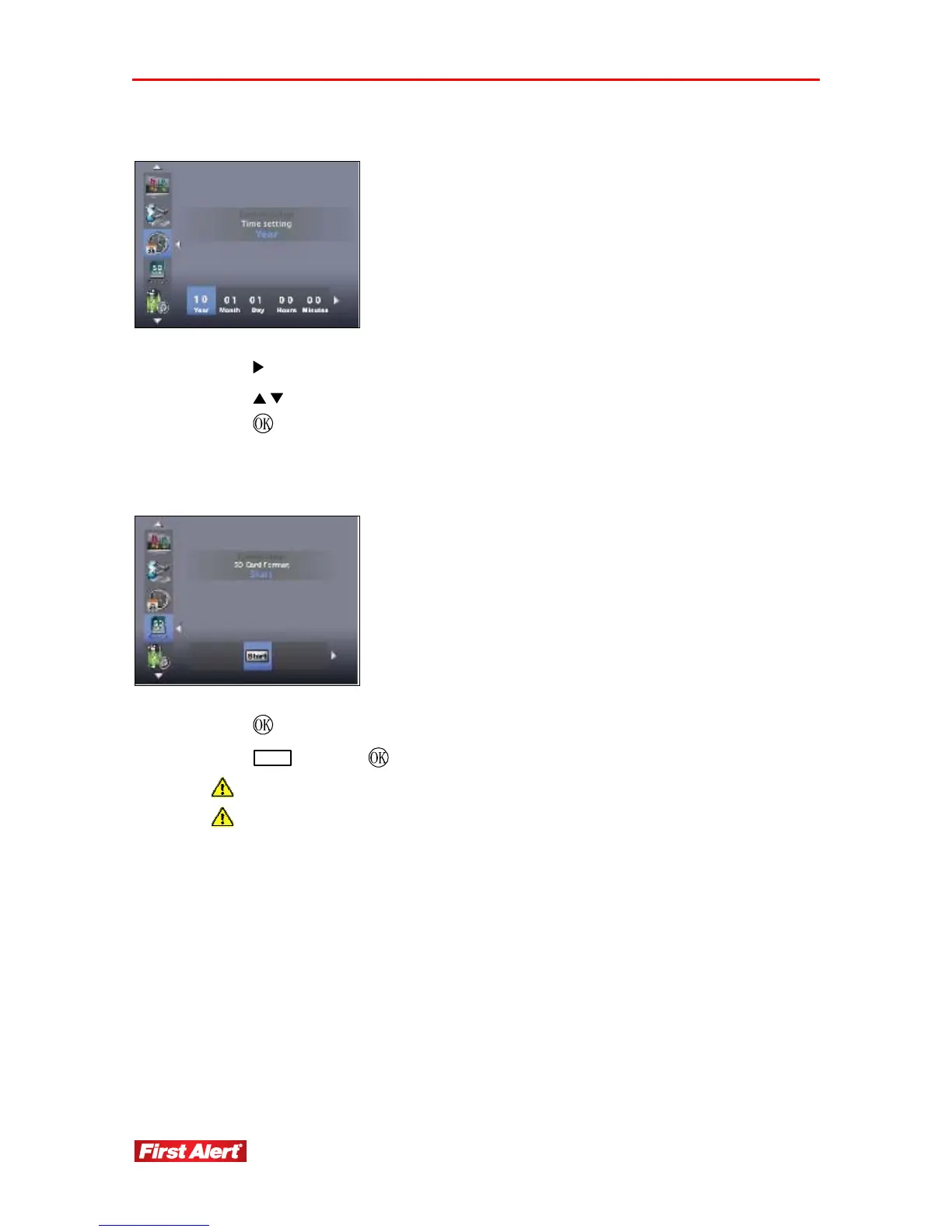
TIMING SETTING
1. Press
to change Clock: Year, Month, Day, Hours, and Minutes.
2. Press to change the Time Setting.
3. Press
to confirm the settings.
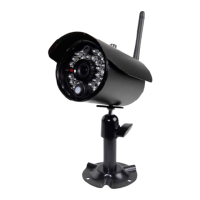
SD CARD FORMAT
1. Press
to select SD Card Format screen.
2. Press
Start
and press to format card.
Make sure SD card is unlocked.
For first time use, it is strongly recommended to format the SD card.


 To Next Page