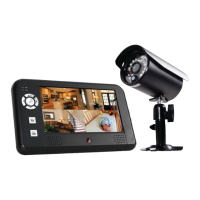
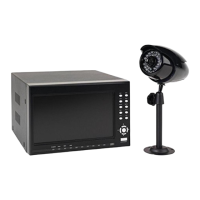
Getting to Know Your DW-700/702 Security System
Model DW-700/702 User's Manual
5
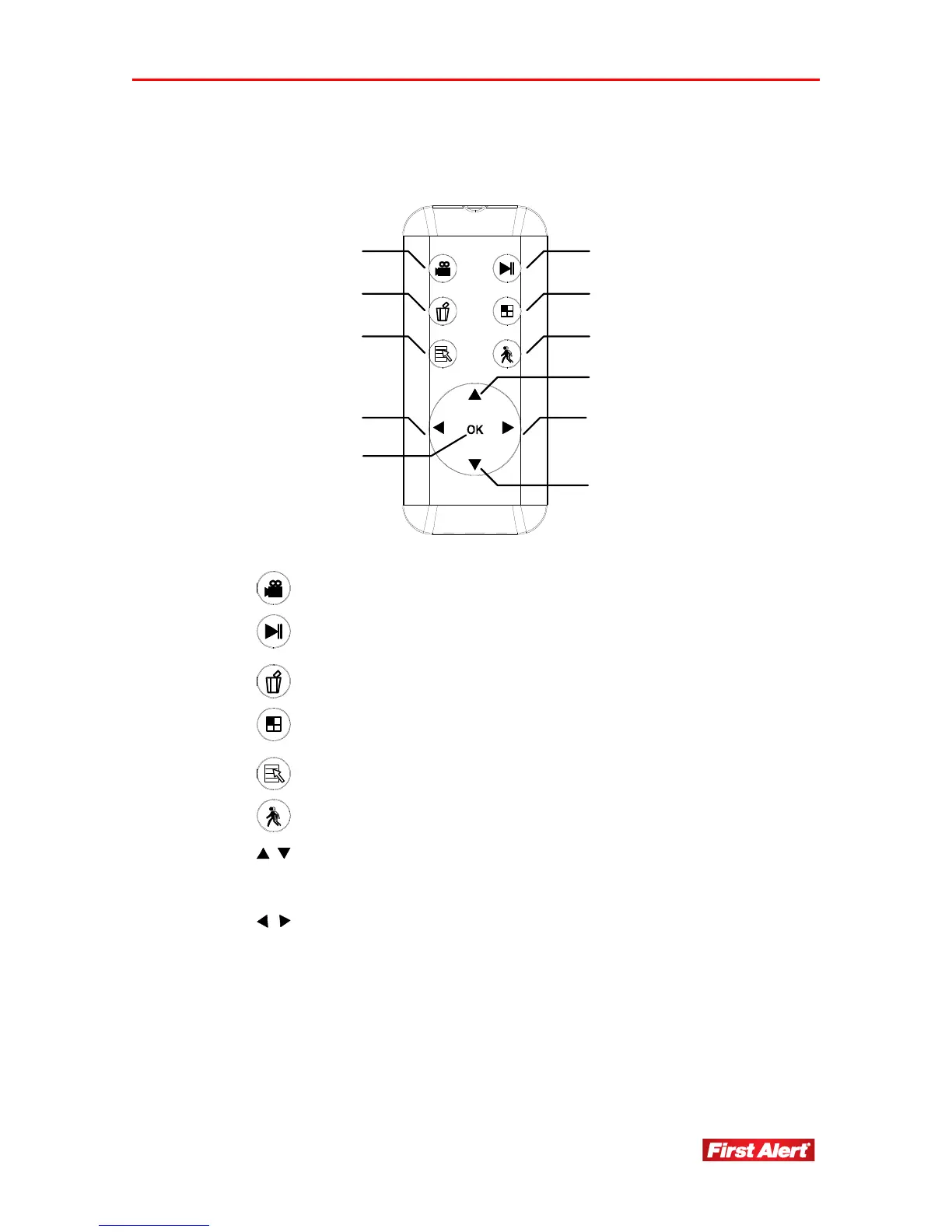
REMOTE CONTROL
12
4
6
7
8
7
3
5
8
9
1
Start/Stop manual recording (SD card must be installed)
2
Enter Event List directly;
Press button to play/pause the video files
3
Press to delete video files you selected
4
In view mode, display up to four images cameras at one
time (audio is unavailable in QUAD Mode)
5
Enter/exit a menu
6
Press to turn on the Motion Detection
7
In Menu Mode, move between the selections
In View Mode, switch channel
In QUAD Mode, [Hot key CH1/CH2]
8
In Menu Mode, move between selections
In View Mode, audio volume down/up
In Play Mode, rewind/fast forward
In QUAD Mode, [Hot key CH3/CH4]
9
OK
Press to confirm the selections and changes


 To Next Page