17
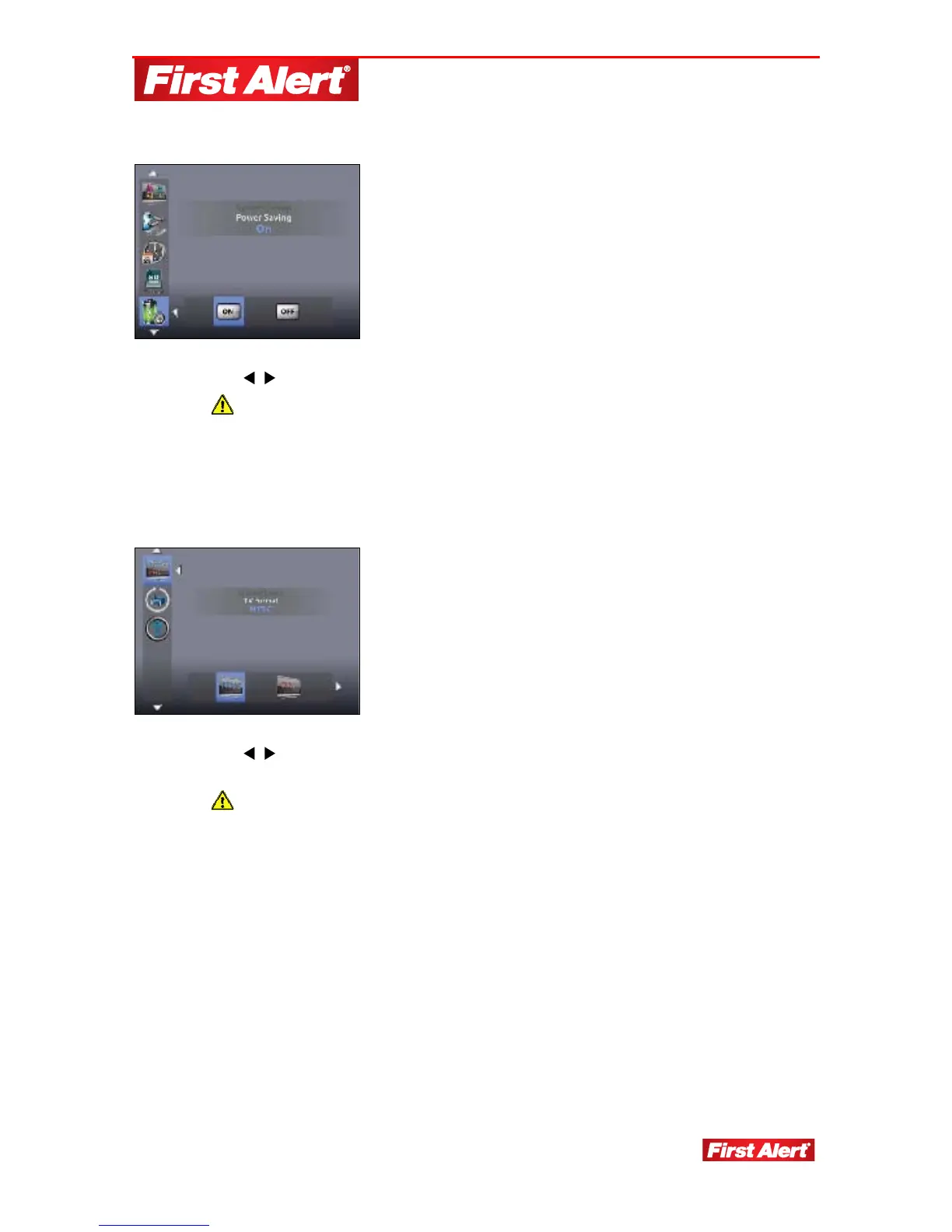
POWER SAVING
1. Use
to turn Power Saving mode ON/OFF. (Default setting is ON.)
When Power Saving mode is ON, the monitor screens turns off after a
2-minute idle time. Speaker volume remains on.
2. Press any key to activate monitor screen from Power Saving mode.
TV FORMAT
1. Use
to select TV Format: NTSC or PAL. (Default is NTSC. Do not use
PAL.)
Changing the TV format may affect the scale of the displayed images. Make
sure the format selected matches the TV used.


 To Next Page