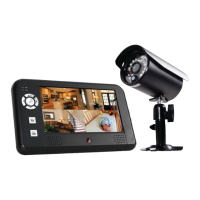
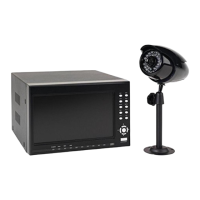
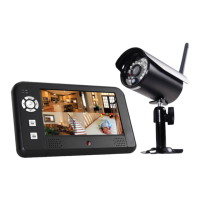
Getting to Know Your DW-700/702 Security System
Model DW-700/702 User's Manual
4
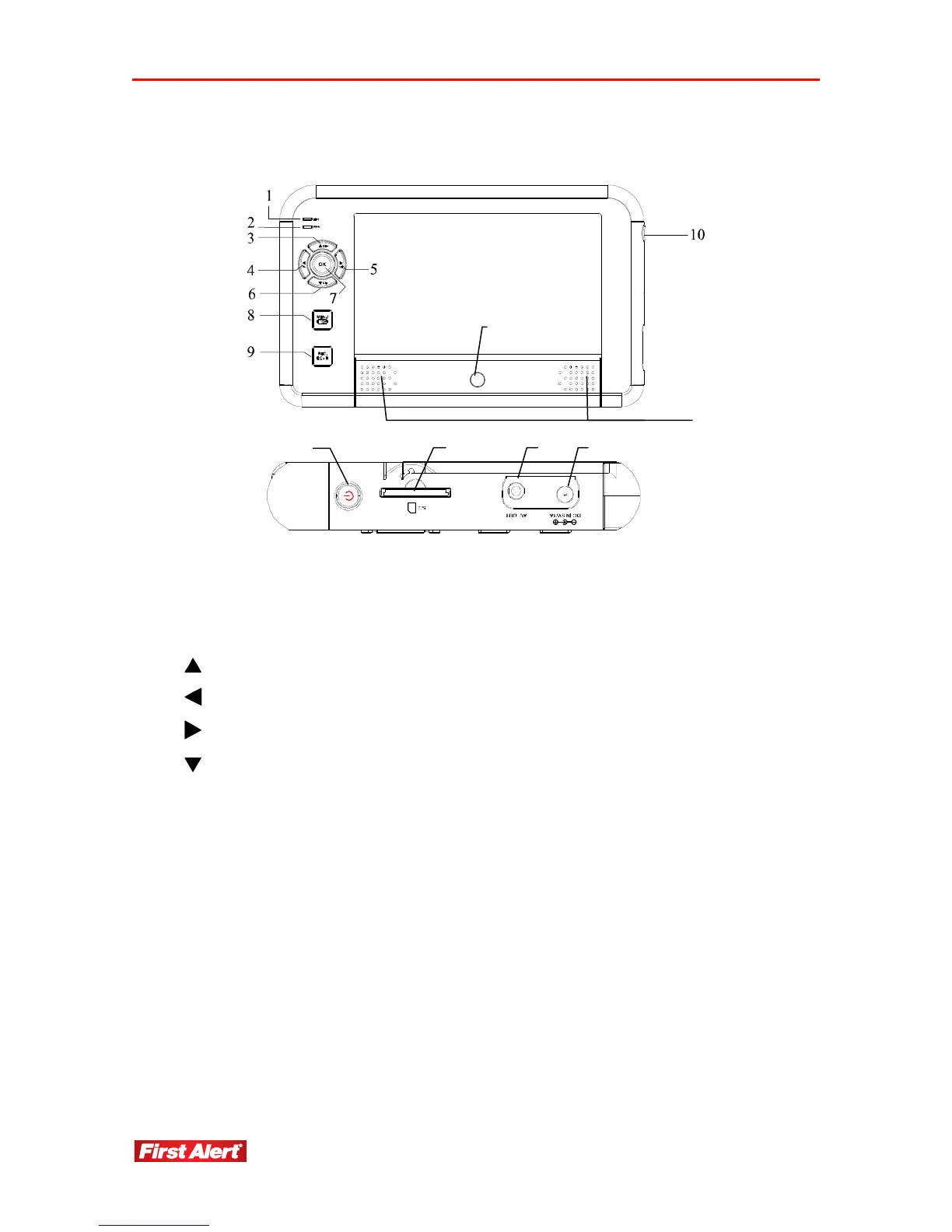
DIGITAL WIRELESS RECEIVER
1
Link indicator Steady light when camera is operating; Flashing light when camera is
recording
2
Power indicator Lights when receiver is powered on
3
Cursor up in Menu mode; Switch channel in View mode
4
Cursor left in Menu mode; Volume down in View mode
5
Cursor right in Menu mode; Volume up in View mode
6
Cursor down in Menu mode; Switch channel in View mode
7
OK
Confirm the settings/changes in Menu mode: Enter Event List in View
mode
8
MENU
ESC
Back in Menu mode;
Enter/exit Menu mode in View mode
9
REC
DEL
Record in Menu mode;
Start/stop recording View mode
10
11
Power
IR Sensor
12
13
Speakers
SD Card Slot
14
15
AV Out Jack
DC In Jack
15 14
10
13
12
11


 To Next Page