– 23 –
Date and Time
Date and Time Date and Time
Date and Time
Viewing the Current Date and Time
Viewing the Current Date and TimeViewing the Current Date and Time
Viewing the Current Date and Time
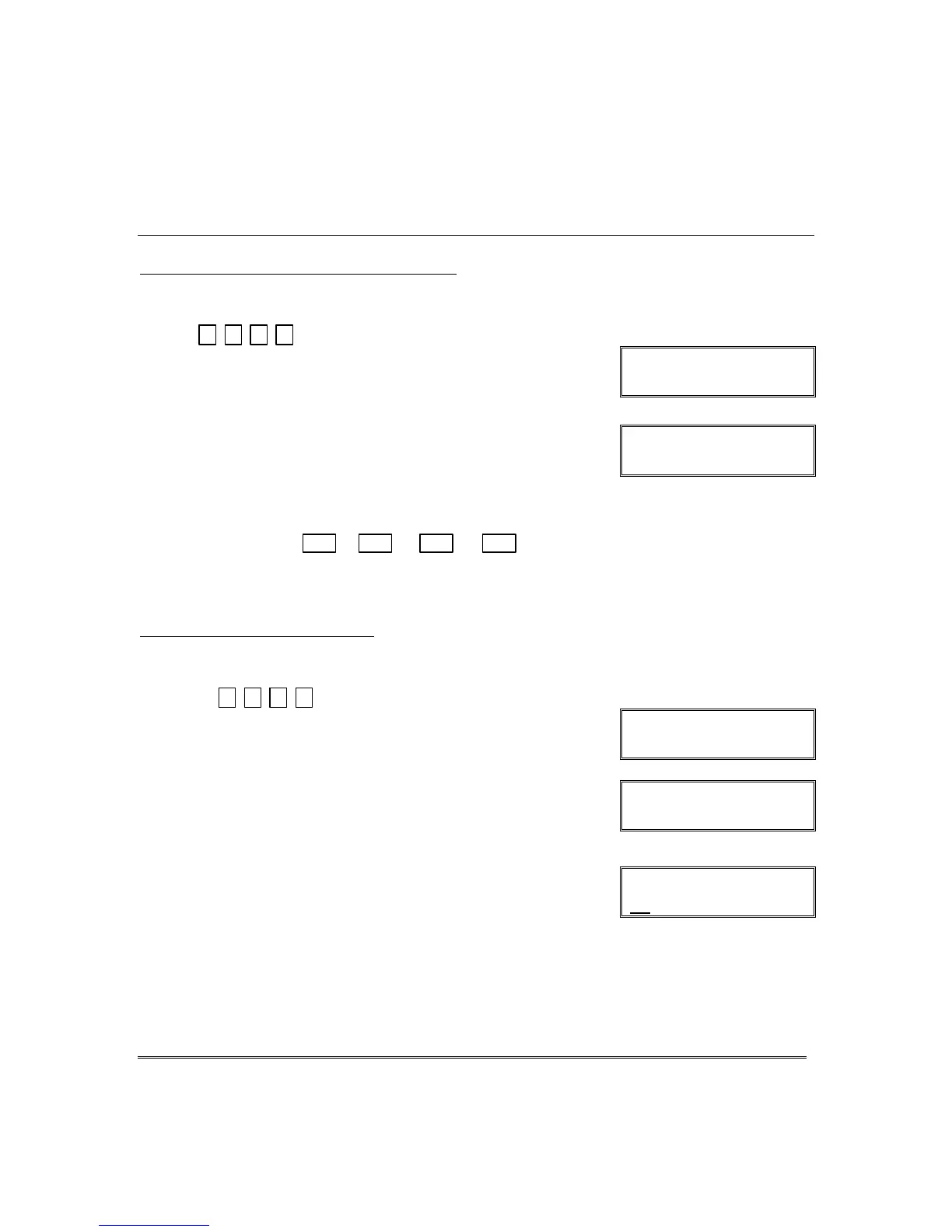
The master users can view the system time and date setting on alpha keypad.
Other users can view the date/time if a function key has been programmed to do so.
+[#] + [6] [3]
(Master Code)
OR, press the function key (A, B, C, or D) for viewing
current date and time, if programmed.
Alpha Display:
DISARMED
READY TO ARM
A typical time/date display is shown.
The display will remain on for about 30 seconds or until
a key is pressed.
TIME/DATE SAT
12:05AM_05/09/00
“A” “B” “C” “D”
If one of the above keys has been programmed for the date/time
display feature, place a check mark in the box beneath that key.
Setting the Date and Time
Setting the Date and TimeSetting the Date and Time
Setting the Date and Time
NOTE: All partitions must be disarmed before date/time can be set.
You can set the time and date by doing the following:
1.
+[#] + [6] [3]
(Master Code)
Alpha Display:
DISARMED
READY TO ARM
2. Press [∗] when the time/date is displayed.
A cursor appears under the first digit of the hour.
To move cursor ahead, press [
∗
]. To go back, press [#].
• Enter the 2-digit hour setting.
• Enter the 2-digit minute setting.
• Press [1] for PM or [2] for AM.
• Enter the last two digits of the current year.
• Enter the 2-digit month setting.
• Enter the 2-digit day setting.
3. To exit, press [∗] when cursor is at the last digit, or
wait 30 seconds.
TIME/DATE SAT
04:04PM 10/17/00
Current time display
TIME/DATE SAT
04:04P2000/10/17
Time/date editing display





 To Next Page