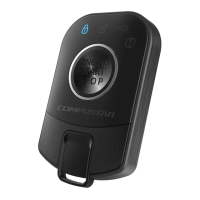
STEP 3: Once finished scrolling through menu, wait for the parking lights and/or siren chirp to confirm
the option number. i.e. option 2-04 will flash and/or chirp 4 times. Select your option using the Lock,
Unlock, Trunk, or Start buttons.
Resetting to Factory Defaults:
To reset the options in a particular menu, enter the menu using your
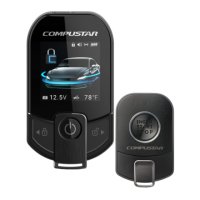
remote. To reset options with a 2 Way remote tap the Trunk button 3 three times. To reset options with a
1 Way remote tap the Start button 3 times. Wait for parking lights to flash and/or siren chirp between
each tap. After the third tap, the menu will reset back to default. This must be done for each option menu
that must be reset.
Troubleshooting
Remote Start Error Codes
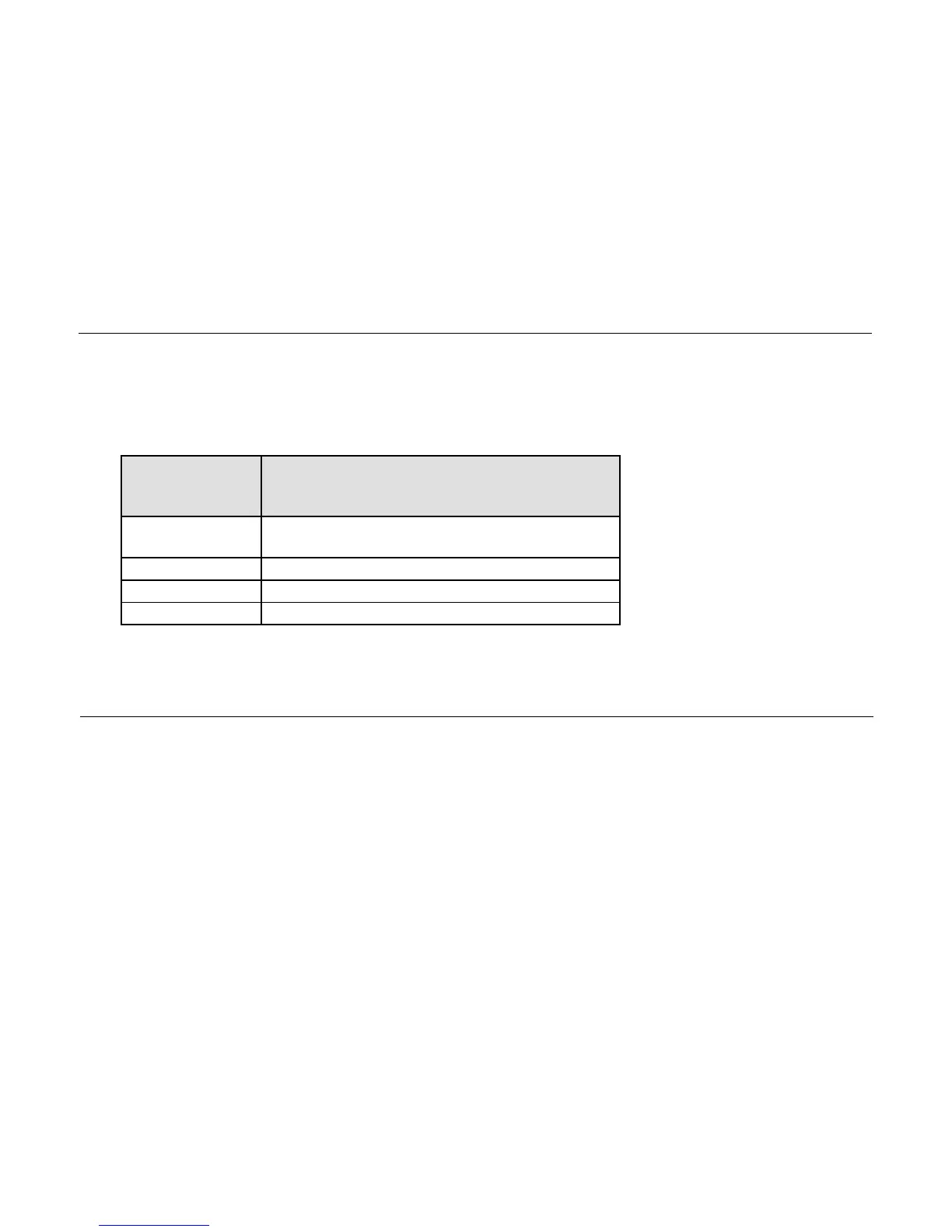
If the remote start fails to start the vehicle, the parking lights will flash three times immediately. Following
those three flashes the parking lights will flash again corresponding to the error table;
Frequently Asked Questions
I have everything hooked up and the system will not respond.
A: Check all your wires to the control module. Next check your fuses and ground. If the system does not
respond after that then try programming the remotes. Please see the “Common Procedure” section of
this manual for remote programming instructions.
Can I use any other Firstech remotes with this system?
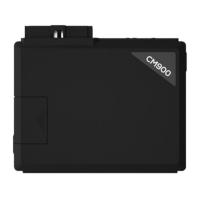
A: Yes, the CM-900 control module is designed to only work with 4 Pin antennas and compatible
remotes. It does not work with 6 to 6 Pin antennas.
I am trying to program options with the OP500 Option Programmer and it flashes “ER 01” when I
plug it in to the antenna cable. What should I do?
A: First, make sure all connections are made to the control module. Second, make sure that the system
is not locked. The last thing to check is the antenna cable or antenna extension cable – make sure this is
not damaged. If you need to, try another cable. When the OP500 is working properly, it will read
“Success Good.”


 To Next Page