www.firstechonline.com
|
www
.compustar.com
Copyright 2022 Fi rstech , LLC. “Are you not entertained…?” Page
6
Universal Security Control Module
Install.myfirstech.com
CM2500
Master
Guide
R
emote
Programming
R
outine
IMPORTANT: All remotes must be coded to the control module prior to performing any and all
operations.
**This is a time sensitive process**
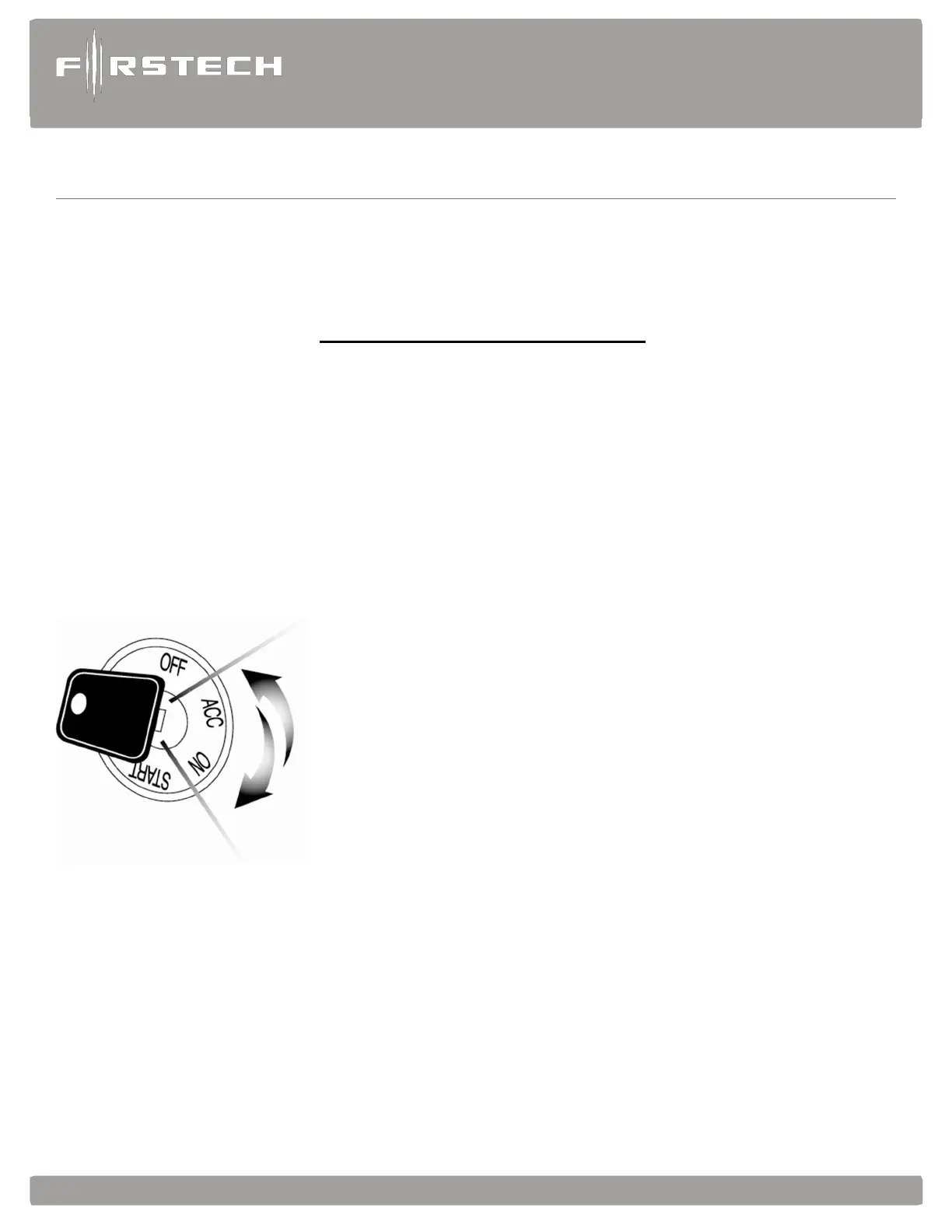
STEP 1: Activate programming mode by manually turning the vehicle’s key between the Ign on and
Off (or the Acc & On positions) 5 times within 10 seconds. The vehicle’s parking lights will flash
once with the successful completion of this step. (Note: this step also places the control module into
Valet Mode if there are no remotes coded)
STEP 2: Within a 2 second period after the 5th ignition cycle tap the “LOCK” button on the remotes
for 0.5 seconds. The parking lights will flash once to confirm the transmitter has been coded. Then tap
“LOCK” button (half second) on any other remote you want to program.
Exiting Programming: Programming is a timed sequence. After 2
seconds the parking lights will flash twice signaling the end of
programming mode.
Programming Multiple Remotes: After the confirmation flash
given in STEP
2, code additional remotes by tapping Button I on two way
remotes or the Lock button on one way remotes. The parking
lights will flash once confirming each additional remote. All
systems can recognize up to three remotes.
Note: If you do not program any remotes and enter this
sequence it will put the system into Valet Mode. Only the
keyless entry will work in Valet Mode. To exit Valet Mode just
program remote(s).
Remote programming procedure: PTS (Push to . vehicles) application
STEP 1: Set the vehicle to the ignition or “ON” position
STEP 2: Within 5 seconds push to the “OFF” position
STEP 3: Within 5 seconds set the vehicle to the ignition or “ON” position (do not .)



 To Next Page