17
Timed cycles
When a timed cycle is selected the machine dries for the selected time regardless
ofthelevel of moisture in the load. It is important to check the items throughout thetimed
programmes to avoidover drying. Timed cycles include
TIME DRY, RACK DRY and WOOL.
Timed programmes of 10 to 150 minutes can be selected using the
MORE and
LESS buttons.
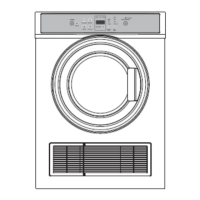
CONTROL PANEL
When the dryer has sensed that the load is dry it
will automatically go into an airing or cool down
cycle. DuringCOOL the drum tumbles and cool air
is blown throughthe clothes. This cools the load to
reduce creasing ifthe clothes are left in the dryer.
Airing/Cool down
Time to go
Your dryer displays approximately how many
minutes the cycle you are running has remaining if
you have chosen one of the TIME DRY cycles. Ifyou
have chosen an automatic cycle (ie not TIME DRY)
the word will appear on the screen until it
reaches the cool down phase, atwhich time the
dryer will display how long the cycle has left to go.
A number of factors can influence the overall cycle
time, eg the fabric type of garments, load size, the
wetness of the load, environmental conditions etc.


 To Next Page
 Loading...