37
CHANGING PRE-SET OPTIONS
Controlled Cold (not available on QuickSmart™ washer)
If your incoming cold water temperature is very low you will get a less effective wash. The
CONTROLLED COLD option solves this problem by adding a small amount of hot water to
raise the temperature of the wash to approximately 20°C.
To programme the Controlled Cold temperature option:
1
Enter the Option Adjustment mode, refer
to the ‘Option Adjustment mode’ for
instructions.
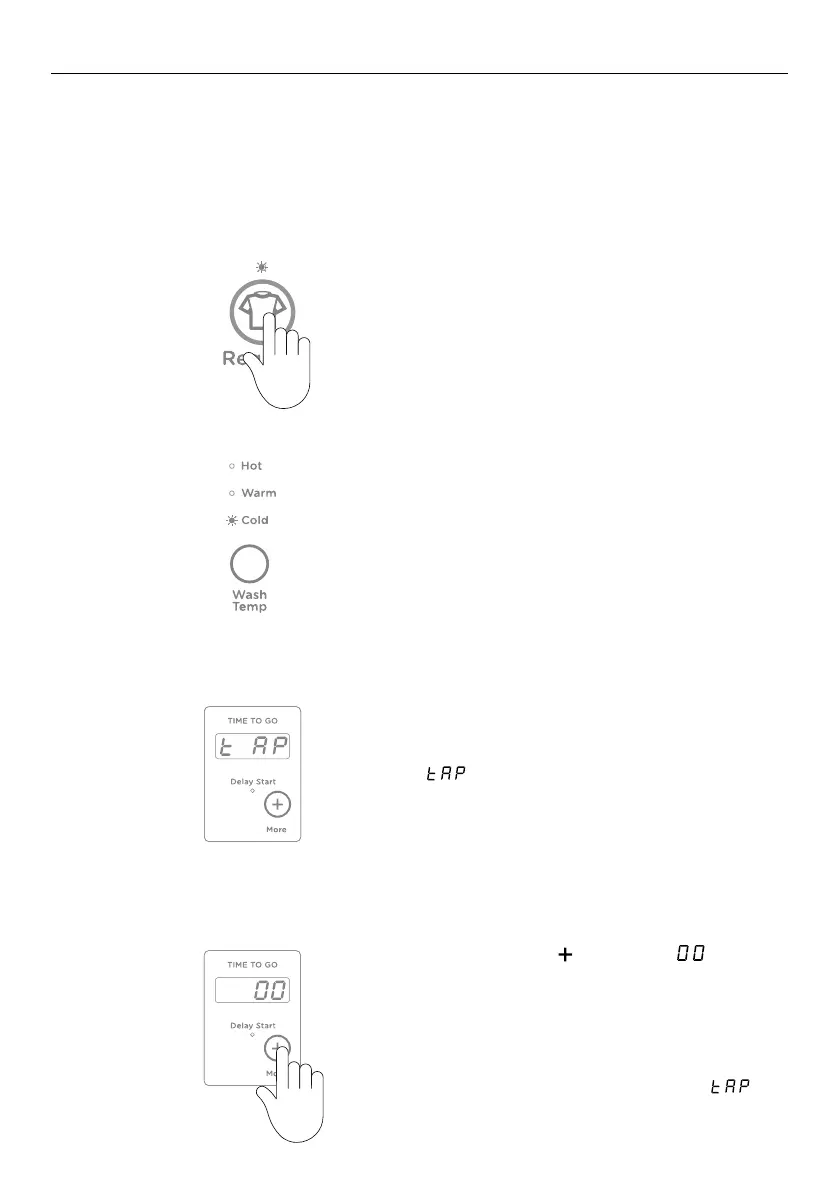
Select the
REGULAR cycle.
2
Select COLD wash temperature by touching
the WASH TEMP button (if not already
selected).
3
The digital display shows the temperature
adjustment possible. The default setting is
, which is the same temperature as the
incoming water from the cylinder for cold
water.
4
Touch the MORE button until is
displayed. Your washer will now control the
cold temperature to approximately 20°C.
Each of the remaining settings equals an
approximate 1°C temperature increase or
decrease from this point(excluding
).



 To Next Page
 Loading...