18
FISH VIEW
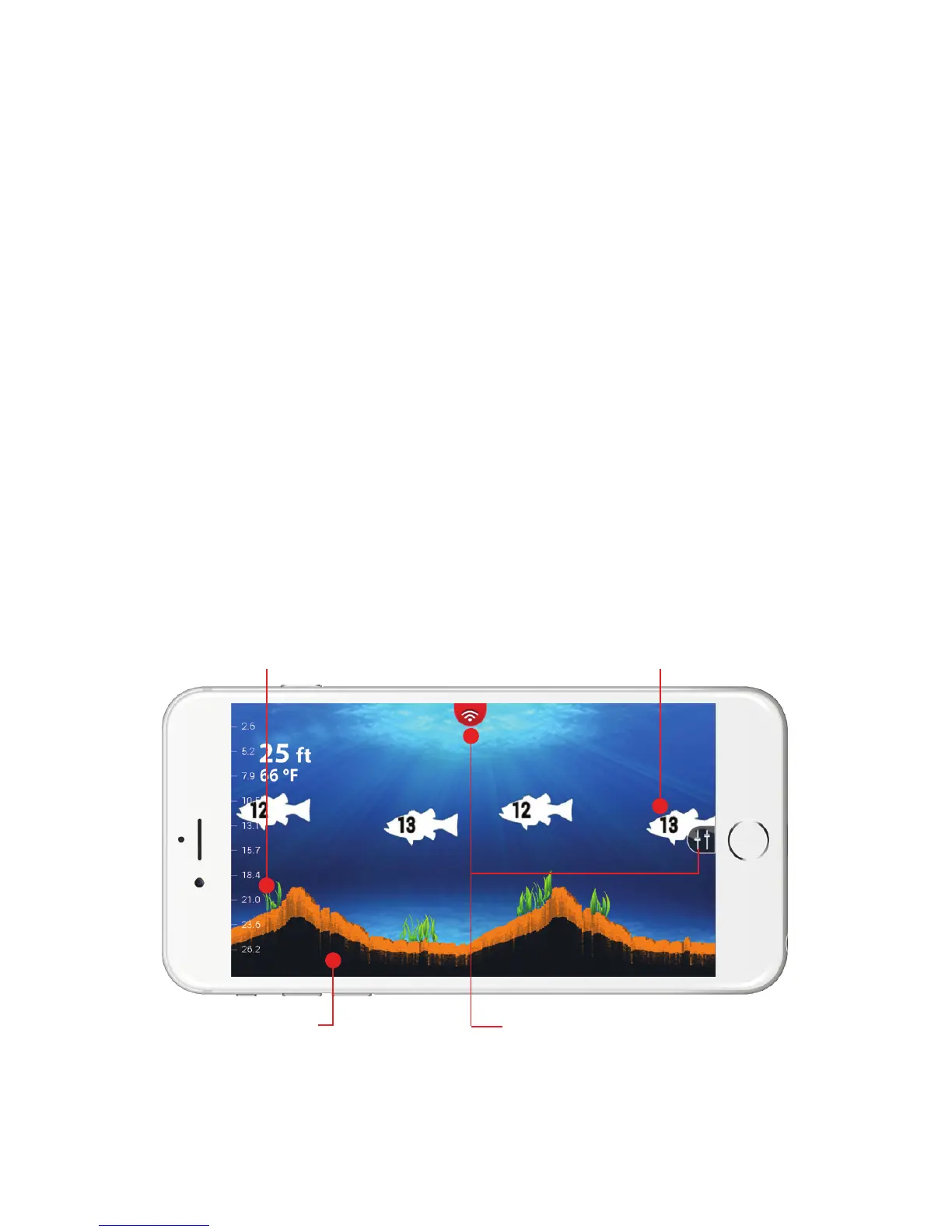
FISH VIEW is our custom view where we receive the RAW sonar
data and reconfigure it on the app in a simplified and easy to read
manner. Specifically, we remove the surface reverb and produce a
more simplified bottom so that you get a nice clean water column.
Whenever the sonar detects a disturbance in the water column, a
fish icon appears on the screen. These icons identify the location
of the disturbance in relation to your location. This makes it easy
for you to identify where the fish are under your FishHunter PRO
sonar. In addition, you can have your phone make a sonar “ping”
whenever fish are found beneath your FishHunter PRO so you don’t
have to look at your phone.
Weeds appear
in bright green
3 different sizes of fish
available with relative depth
Bottom contour Settings menu



 To Next Page