39
ZOOM FEATURES
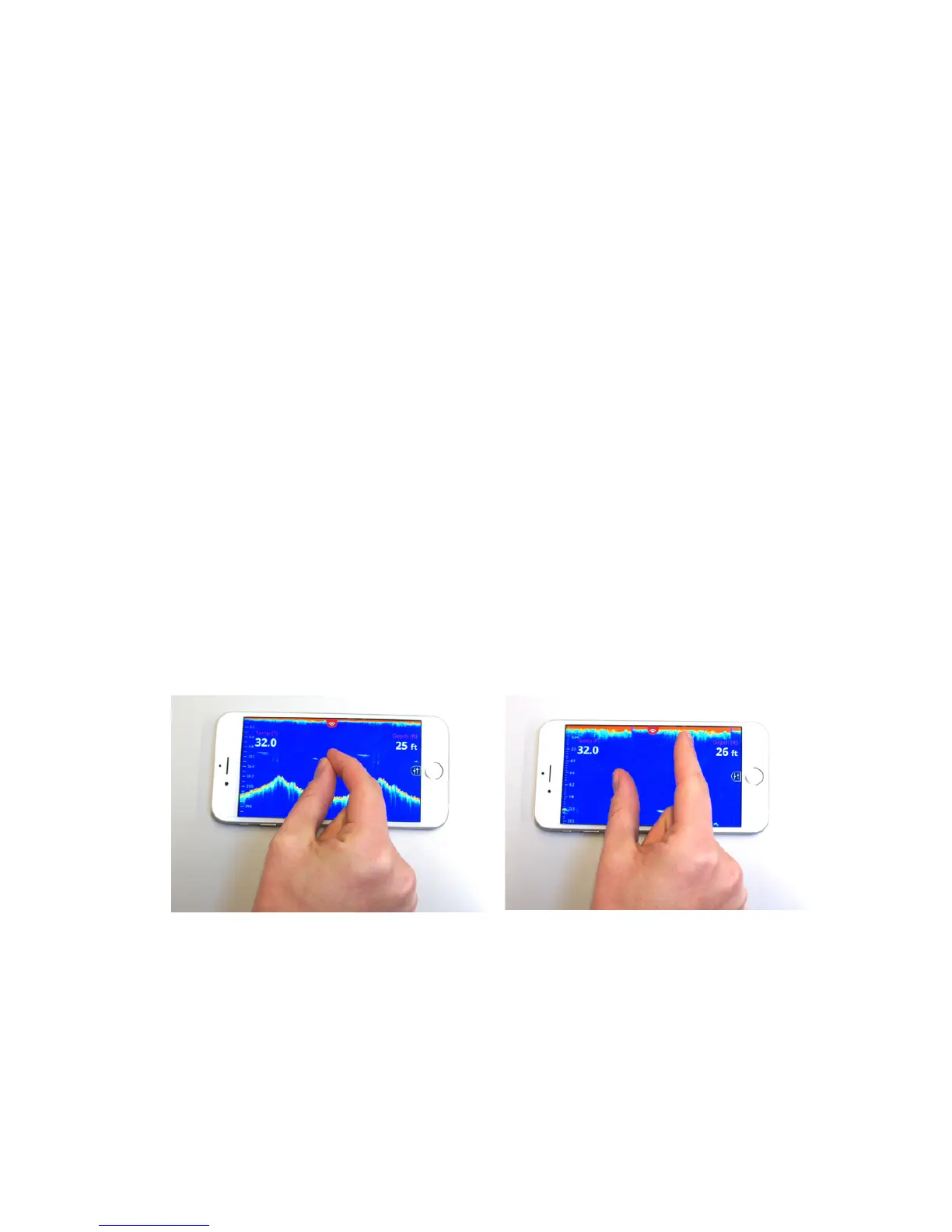
This feature within the FishHunter app allows you to look more
closely at the sonar display on your phone. This is useful when you
want to look at the bottom area OR review the top area of the sonar
data to look for fish or other specific artifacts. This feature can be
used anytime you are in the sonar portion of the app, and reviewing
RAW sonar data.
Steps:
1. Review sonar in RAW data view.
2. “Pinch” your fingers together and place on the screen where
you want to zoom.
3. Slowly move fingers apart while touching the screen.
4. Adjust the screen to the place on the screen that you would
like to focus on by taking your finger and “scroll” the screen
to move the screen up and down to get to the correct position.
Note: that when you are Zooming IN/OUT, the scale on the right/
left side in the sonar reading section will also change to match
the Zoom level you have chosen. As you are zoom in the scale will
increase and as you zoom out it will decrease.



 To Next Page