36
slider. This number (in either imperial or metric) is the ACTUAL
amount of the surface that will NOT be measured by your
FishHunter. In very calm conditions, you can set the Surface
Filter to a very low number to allow you to search for fish that
are located very close to the surface. In more extreme conditions
where you have high wind, high waves or when you are trolling
your FishHunter behind a boat motor, you will want to turn UP
the Surface Filter.
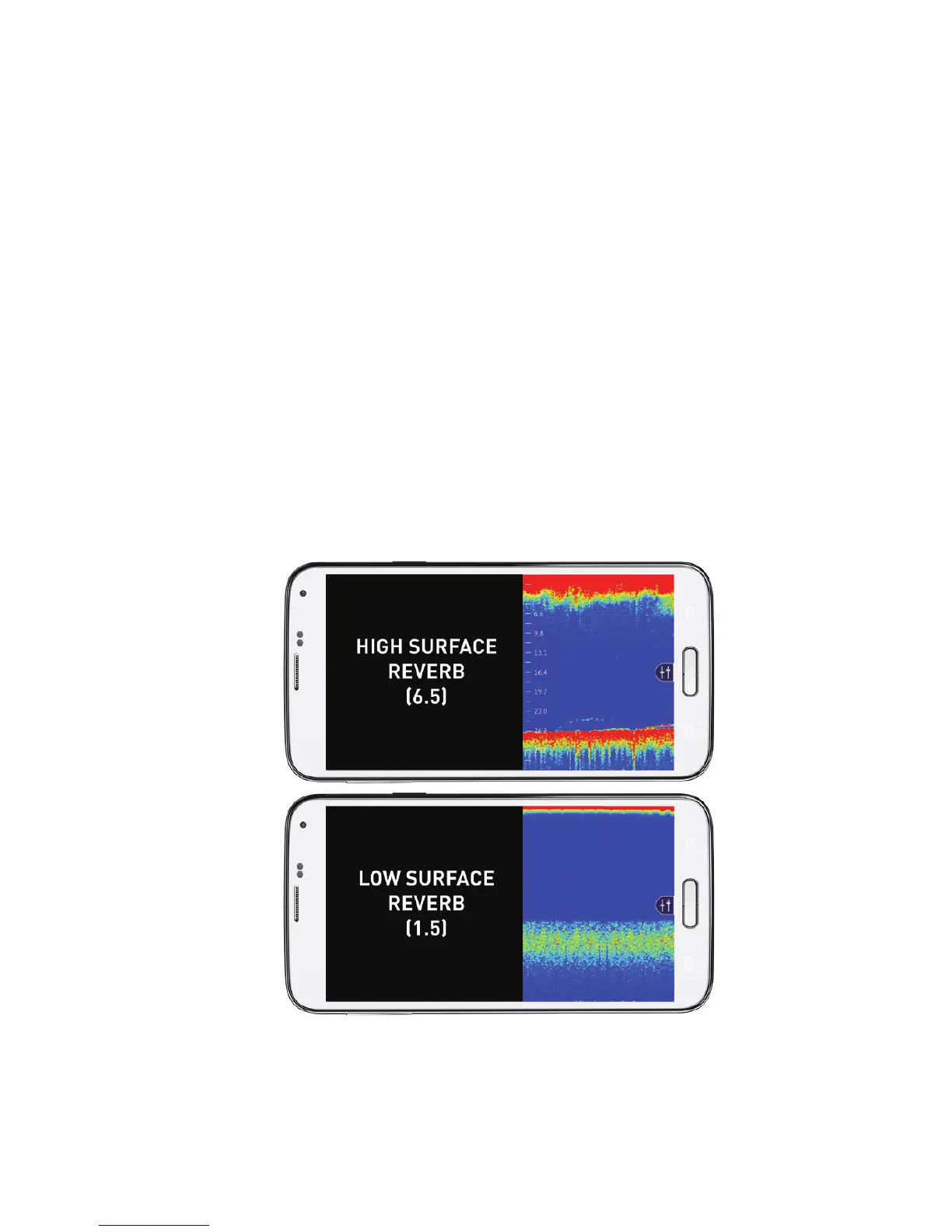
Try to set the Surface Filter to a number that matches where you
see the surface noise stop in the RAW data view on your screen.
in the example below, you would set the top sonar to 6.5ft and
the bottom sonar to 1.5ft to give you the best results.



 To Next Page