Track a daily activity goal
Ace tracks your progress toward a daily activity goal of your choice. When you
reach your goal, your tracker vibrates and shows a celebration.
Choose a goal
To begin, your goal is to take 10,000 steps per day. Choose to change the number
of steps, or pick a different activity goal.
For more information, see the related help article.
Track progress toward your goal on Ace. For more information, see "See your stats"
on the previous page.
Track your hourly activity
Ace helps you stay active throughout the day by keeping track of when you're
stationary and reminding you to move.
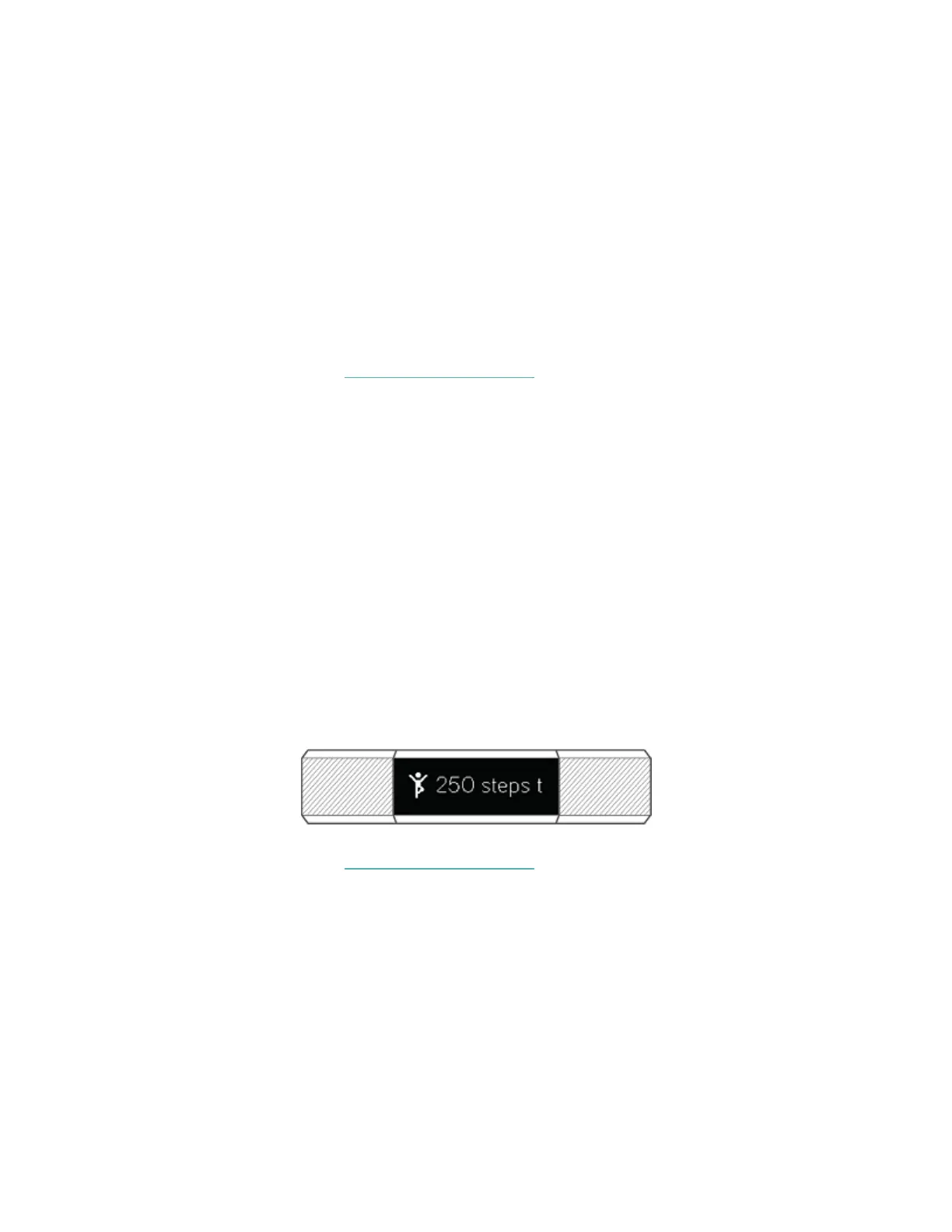
Reminders nudge you to walk at least 250 steps each hour. You feel a vibration and
see a reminder on your screen at 10 minutes before the hour if you haven't walked
250 steps. When you meet the 250-step goal after receiving the reminder, you feel
a second vibration and see a congratulatory message.
Turn on reminders to move in the Fitbit app.
For more information, see the related help article.
12


 To Next Page