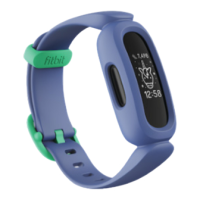
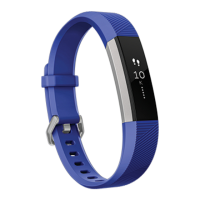
Set up Ace
Install the Fitbit app on the primary phone or tablet your child will use with Ace.
Open the Fitbit app, and follow the instructions in the related help article to set up
your device.
To set up an account, you’re prompted to enter information such as your child’s
height and age to help calculate their activity.
Charge your tracker
A fully-charged Ace has a battery life of 5 days. Battery life and charge cycles vary
with use and other factors; actual results will vary.
To charge Ace:
1. Plug the charging cable into the USB port on your computer, a UL-certified
USB wall charger, or another low-energy charging device.
2. Clip the other end of the charging cable to the port on the back of Ace. The
pins on the charging clip must lock securely with the gold contacts on the
back of the tracker. Ace vibrates, and a battery icon appears on the screen.
5


 To Next Page