l
Clean your band and wrist regularly with a soap-free cleanser.
l
If your tracker gets wet, remove and dry it completely after your activity.
l
Take your tracker off from time to time.
For more information, visit the Fitbit Wear & Care page.
Change the band
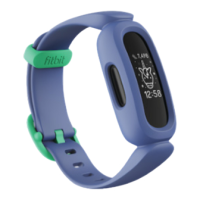
Ace comes with an extra small band attached and an additional large bottom band
in the box. Boththe top and bottom bands can be swapped with accessory bands,
sold separately on fitbit.com. For band measurements, see "Band size" on page19.
Remove a band
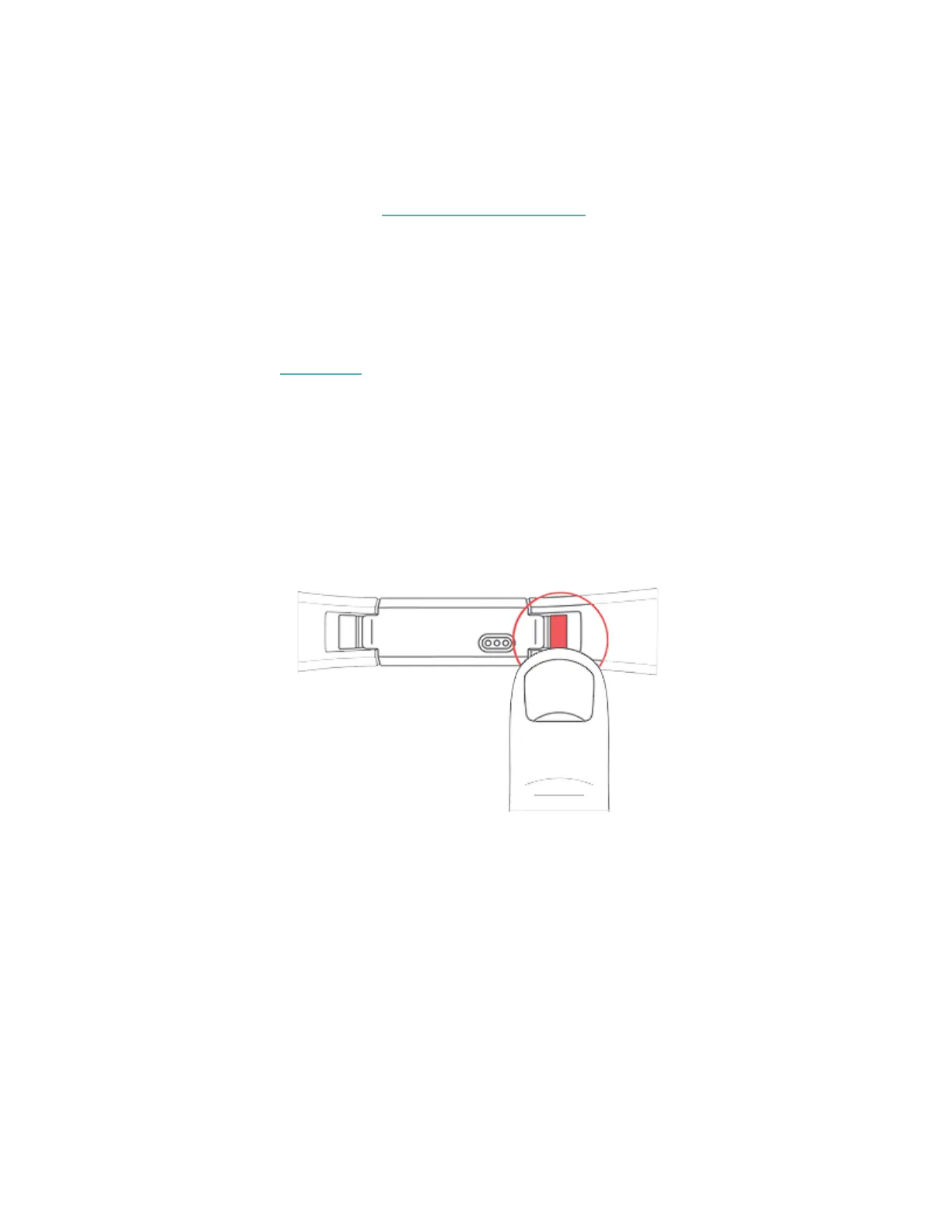
1. Turn Ace over and find the band latches.
2. To release the latch, press down on the flat metal button on the strap.
3. Slide the band up to release it from the tracker.
8


 To Next Page