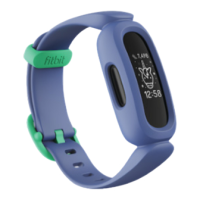
Restart Ace
If you can't sync Ace, don’t see your stats, or your tracker is unresponsive, restart
your device:
1. Plug the charging cable into the USBport on a computer or a UL-certified
USBwall charger.
2. Clip the other end of the charging cable to the port on the back of the tracker.
The pins on the charging cable must lock securely with the port. You'll know
the connection is secure when the tracker vibrates and you see a battery icon
on your tracker's screen.
3. Press the button on the charging cable 3 times within 8 seconds, briefly
pausing between presses. The button is on the end of the charging cable that
is plugged into the computer. 8 seconds after the first button press, the Fitbit
logo appears on the tracker's display. This indicates that Ace restarted.
Restarting your tracker doesn't delete any data.
17


 To Next Page