Basics
Learn how to navigate, check the battery level, and care for your tracker.
Navigate Ace 2
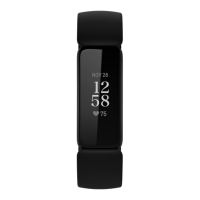
Ace 2 has an OLED touchscreen display and 1 button.
Navigate Ace 2 by tapping the screen, swiping up and down, or pressing the
buttons. To preserve battery, the tracker’s screen turns off when not in use.
Basic navigation
The home screen is the clock.
l
Swipe down to scroll through the apps on Ace 2. Tap an app to open it.
l
Swipe up to see your daily stats.
12












 To Next Page
