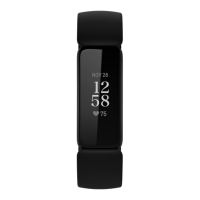
Wear Ace 2
Place Ace 2 around your wrist. If you purchased an accessory band, see the
instructions in "Change the band" on page10.
Placement
Wear Ace 2 a finger's width above your wrist bone.
Handedness
For greater accuracy, you must specify whether you wear Ace 2 on your dominant
or non-dominant hand. Your dominant hand is the one you use for writing and
eating. To start, the Wrist setting is set to non-dominant. If you wear Ace 2 on your
dominant hand, change the Wrist setting in the Fitbit app:
From the Today tab in the Fitbit app, tap your profile picture Ace 2 tile
Wrist Dominant.
Wear and care tips
8












 To Next Page
