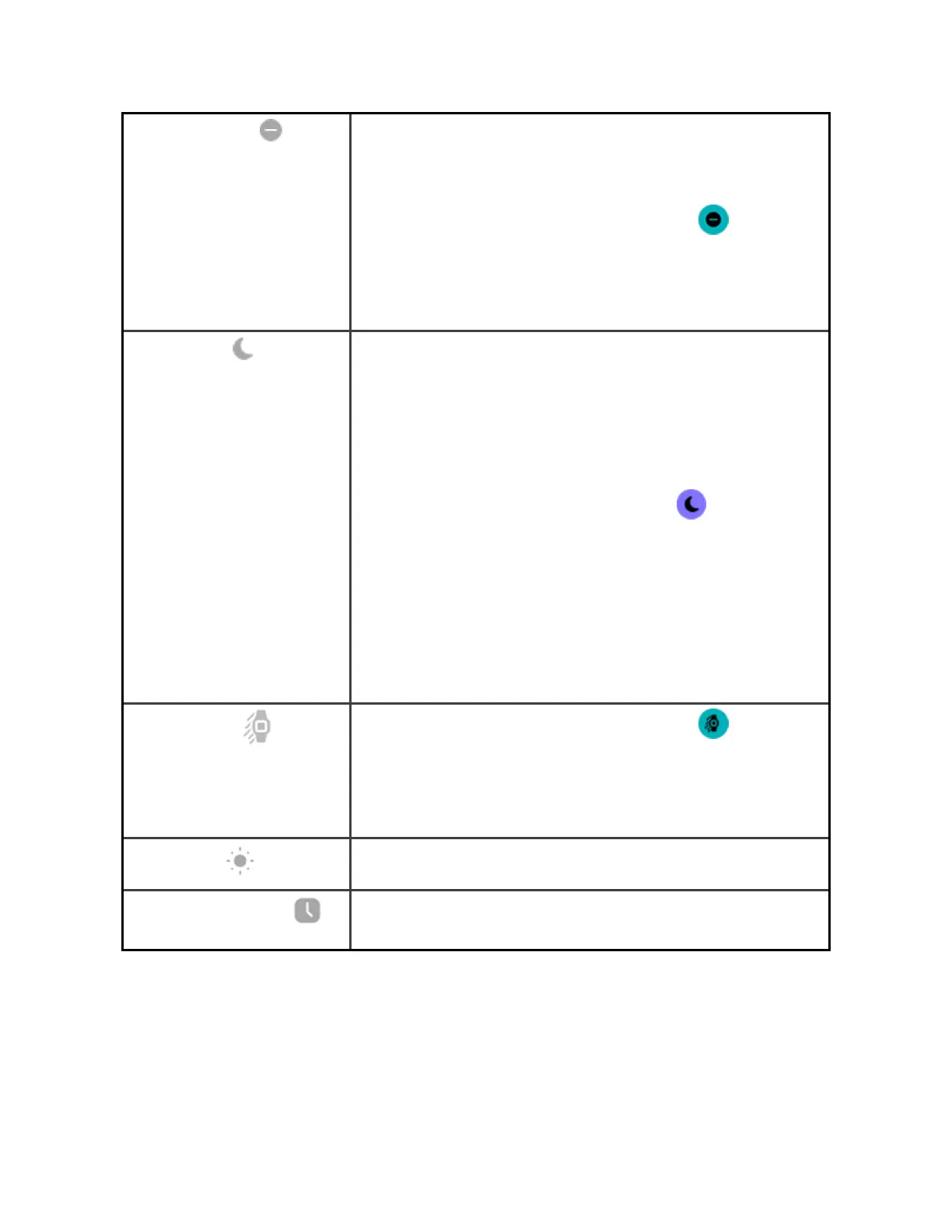
Do Not Disturb
When the do not disturb setting is on:
l Notifications, goal celebrations, and reminders
are muted.
l
The do not disturb icon illuminates in quick
settings.
You can't turn on the do not disturb setting and sleep
mode at the same time.
Sleep Mode
When the sleep mode setting is on:
l Notifications, goal celebrations, and reminders
are muted.
l The screen's brightness is set to dim.
l The Always-On Display clock face is turned off.
l The screen stays dark when you turn your wrist.
l
The sleep mode icon illuminates in quick
settings.
Sleep mode turns off automatically when you set a
sleep schedule. For more information, see "Adjust
settings" on page22.
You can't turn on the do not disturb setting and sleep
mode at the same time.
Screen Wake
When you set screen wake to automatic , the
screen turns on each time you turn your wrist.
Whenyou set screen wake to manual, press the button
or tap the screen to turn on the display.
Brightness
Adjust the screen brightness.
Always-On Display
Turn always-on display on or off. For more information,
see "Adjust always-on display" on page26.
20



 To Next Page