EasyManua.ls Logo

FJDynamics PowerSec MP2000 - Charging

FJDynamics PowerSec MP2000
20 pages
Print Icon
To Next Page IconTo Next Page
To Previous Page IconTo Previous Page
Loading...
8
FJ Dynamics Technology Co., Ltd. All rights reserved.
Fault codes:
Fault
Solution
Battery overvoltage
Disconnect the charging cable and stop
charging.
Battery undervoltage
Cut off the output and charge the
product.
Inverter overheating
Cut off the output and wait for 1-2 hours
before using it again.
Abnormal input voltage
Disconnect the AC charging cable or the
solar charging cable.
Abnormal mains
frequency
Disconnect the charging cable.
Abnormal output voltage
Cut off the output and check the
devices.
AC output short circuit
Cut off the output and check the
devices.
AC output overload
Cut off the output.
Inverter fault
Contact customer service.
AC charging overload
Cut off the output.
Note: In case of abnormal DC load, the system automatically turns off the output with no fault code
displayed. When this occurs, cut off the output, check the devices, and then try again. In case of
abnormal USB load, the USB output power changes to zero with no fault code displayed. When this
occurs, cut off the output, check the devices, and then try again.
Charging
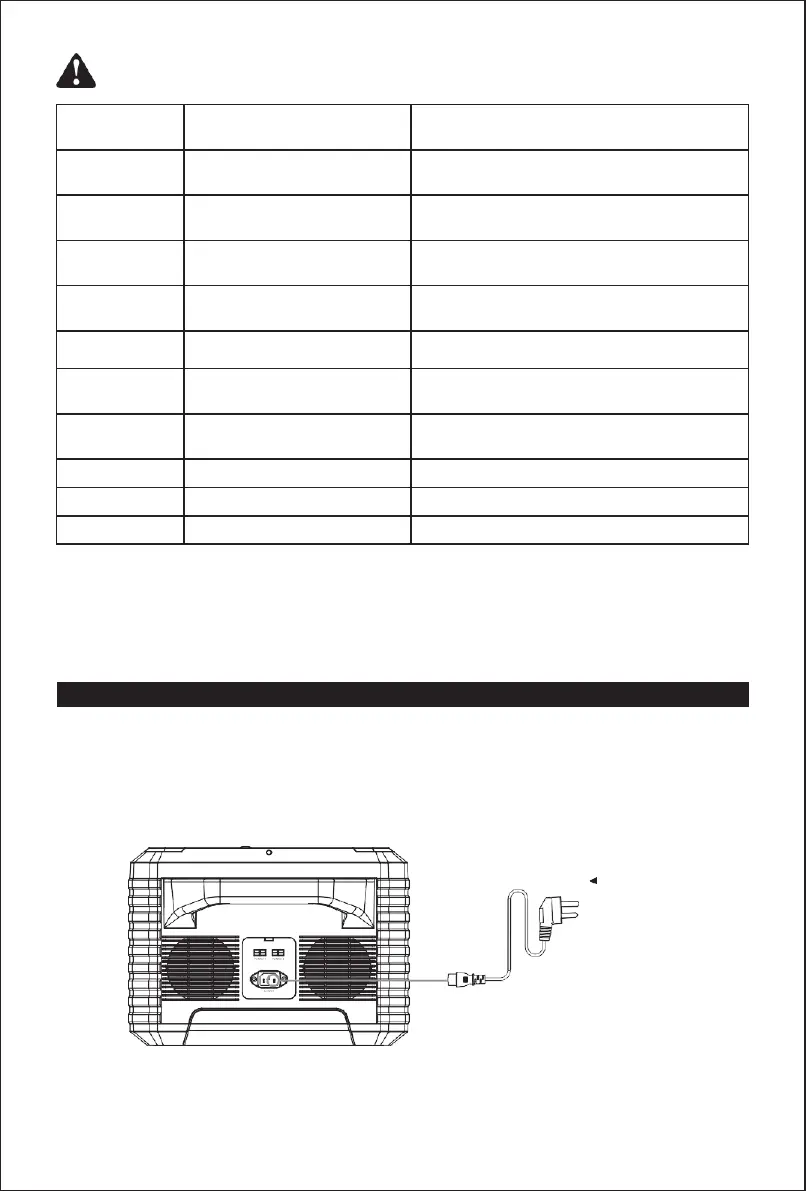
AC wall charging
Charging the PowerSec MP2000 with the AC charging cable takes 1.8 to 2.5 hours. When the
battery level reaches 100% on the LCD screen, the battery is fully charged, and the charging
input will be turned off in several minutes.
AC outlet