13
Programming
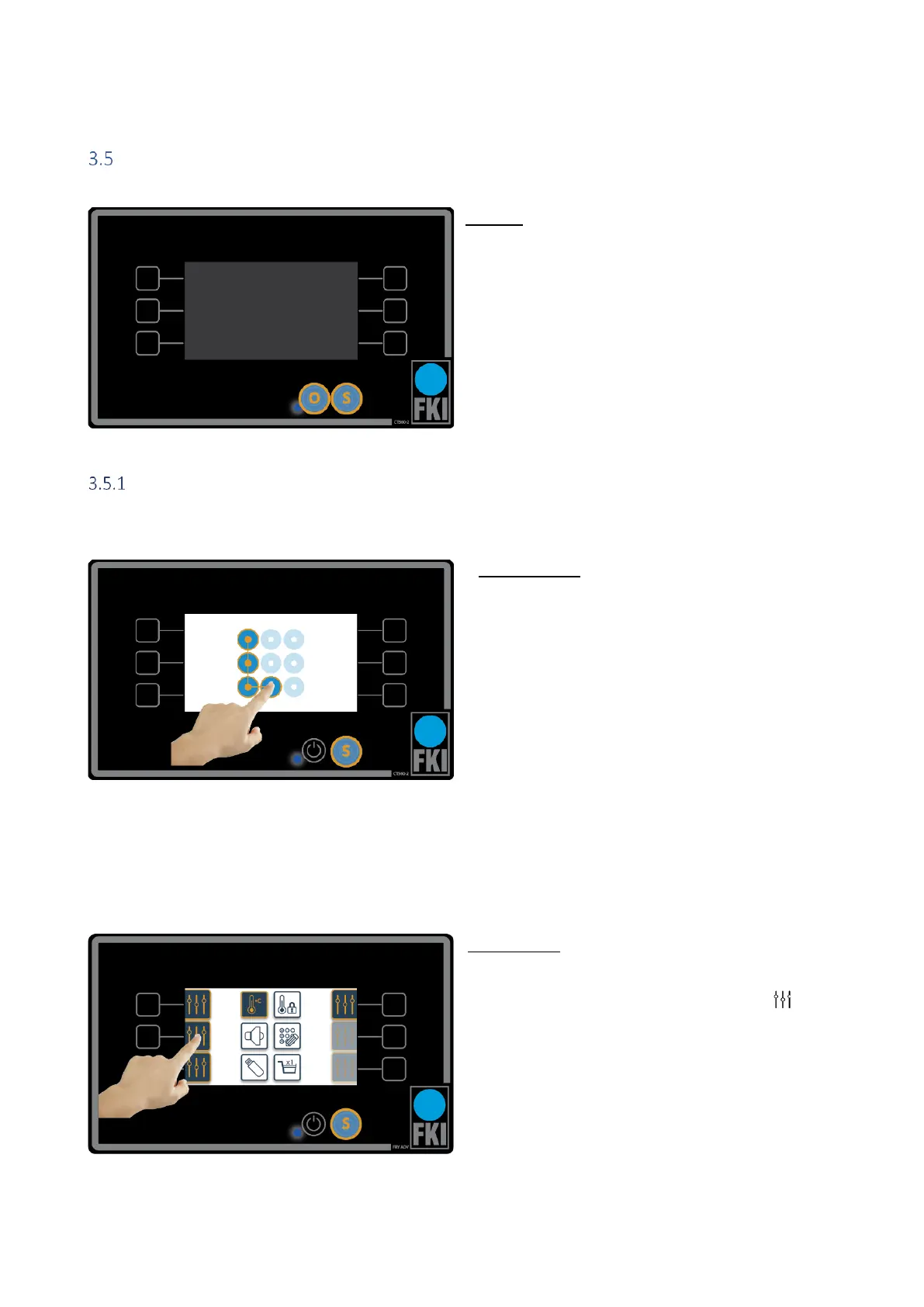
Standby
Press O to enter daily operation, see section 3.6 (dur-
ing operation only the buttons can be used, not the
screen).
Press S to go to settings, see section 3.5.1 (in “set-
tings” the touch screen is used instead of the but-
tons. Here only the “S” button works).
Setting the individual programs
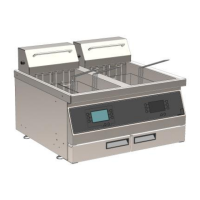
Access control
Entering the settings menu requires entry of a de-
fault password, which is shown here on the
screen. This can be changed in “password setting”
or you can deactivate it. We recommend, how-
ever, that password is always enabled.
Forgotten passwords can be reset to the factory
setting as follows:
1. Create a blank text file on a USB dongle
named "pinreset.txt"
2. Press S to enter standby mode.
3. Insert the USB dongle into the corre-
sponding USB port.
4. Press S to return to access control. The
password is now reset and is as shown in
the picture.
Home screen
This picture shows the home screen in the settings
menu. To set one of the six programs, press next
to the program you want to configure.


 To Next Page