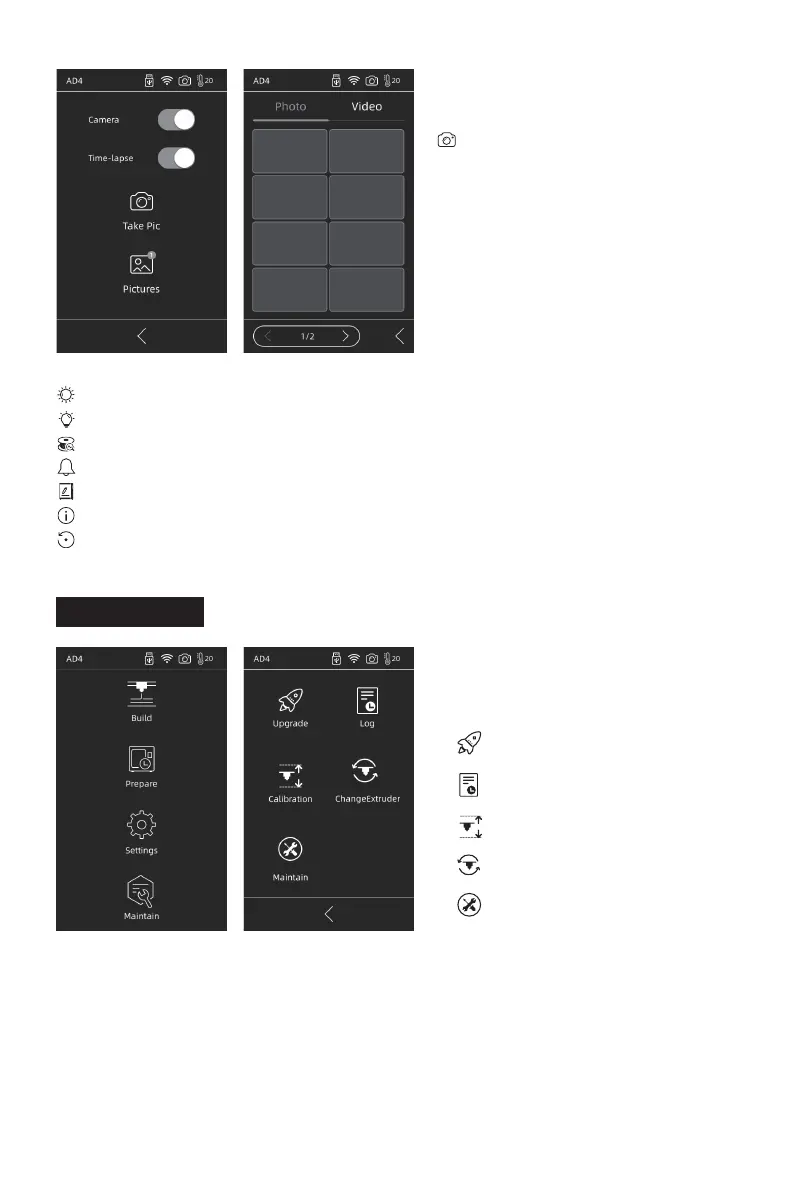
Brightness: Adjust the screen brightness;
Light: turn on/off the light on the extruder;
FilamentDetect: filament check sensor is on/off;
Buzzer: Turn on/off the sounds of device startup and screen click;
PrinterName: User can name the device;
About: information of this device;
FactoryReset: this device is restored to factory setting.
2.4.1 Upgrade
When the device is connected to the network, it will be prompted to upgrade when the
new firmware is released;
2.4.2 Log
When the equipment has abnormal movements, the problem can be fed back to the
official after-sales team of Flashforge by copying the log.
2.4 Maintain
Camera: Remote monitoring. Turn
on the camera during printing, and
turn on time-lapse, and time-lapse
video can be recorded in the
memory disk; it can be found in
[Pictures]; choose [Take Pic], the
live scene is saved as images;
Maintain
Upgrade
Log
Calibration
ChangeExtruder
Maintain
13















 To Next Page