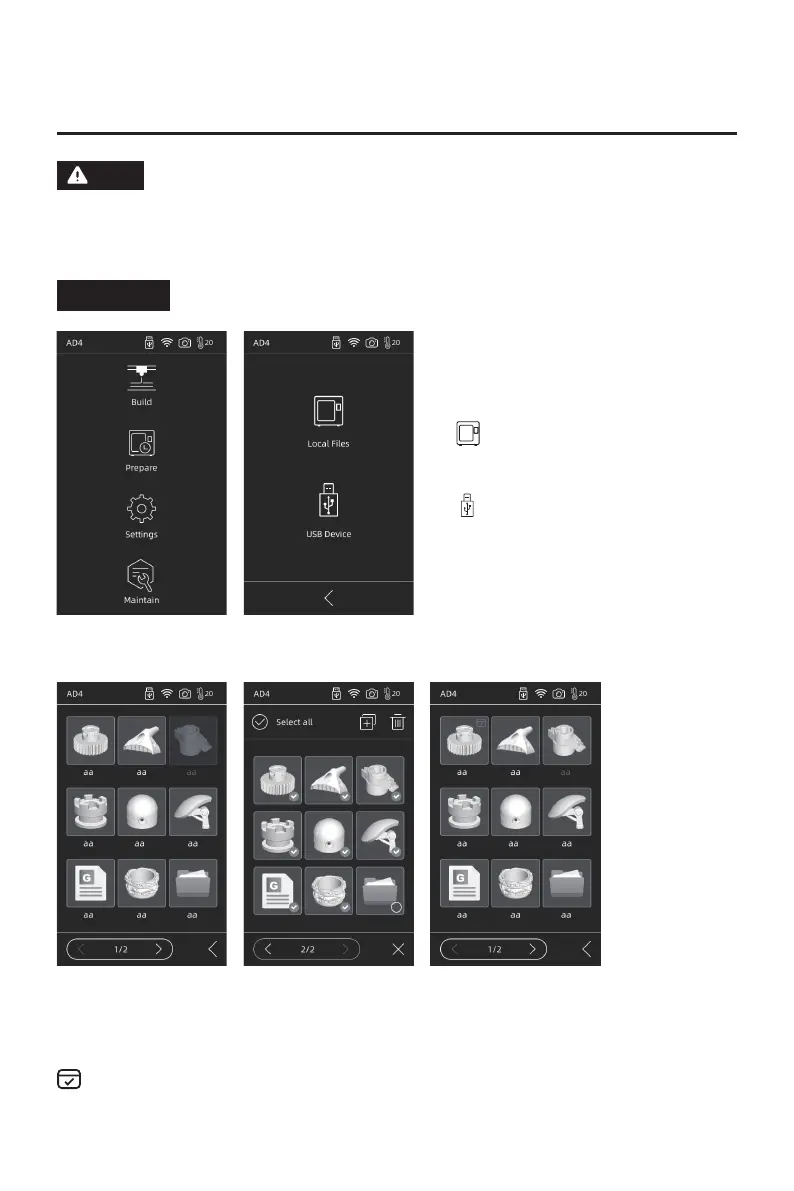
1. Click [Build], and then choose the path to read the print file.
The interface layout may change whenever there is an upgrade of
firmware. The functions below are only for demonstration purposes.
NOTE: There is no camera on AD4 Lite, This manual uses the interface
screen of the Adventurer 4 as a reference.
2. File list
Tap model file:for file details.
Long press model file:multi-selecting mode on.
Chapter 2 Introduction of User Interface
2.1 Build
Note
The finished prints will be marked.
Read print file from local
memory card
Read print file from the
USB stick
08















 To Next Page