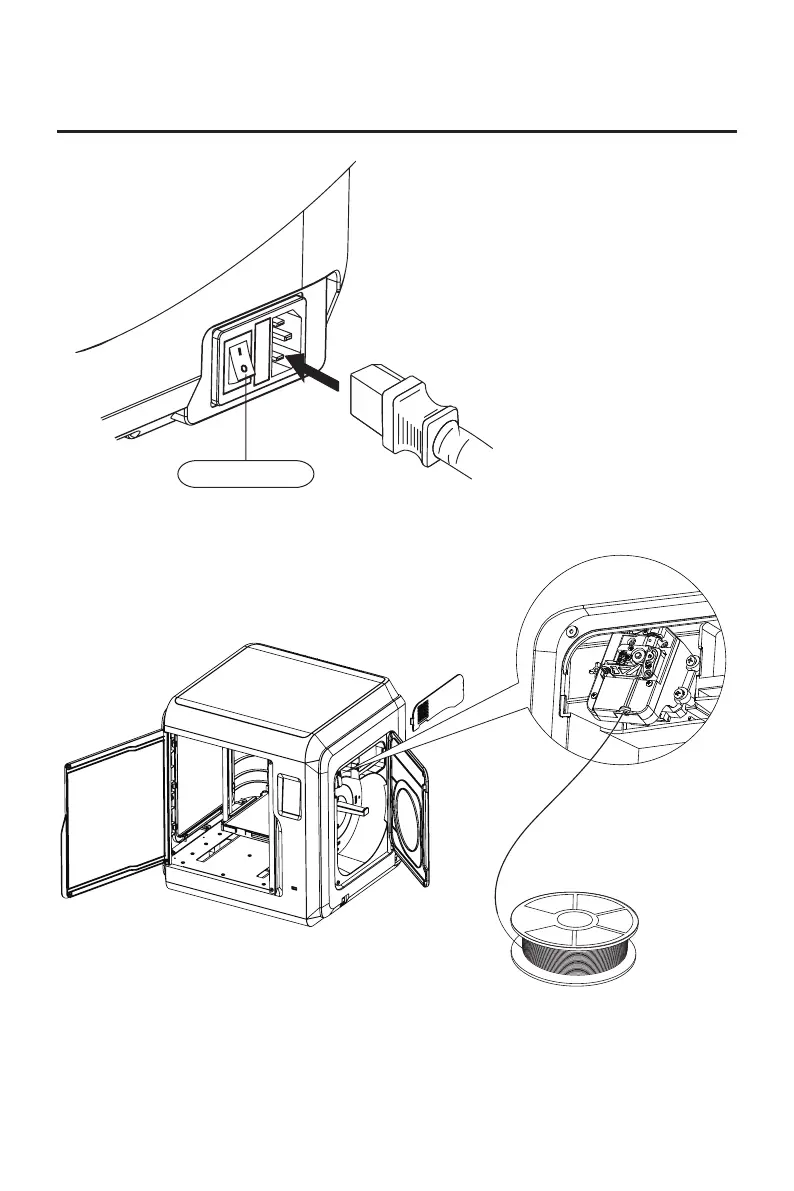
1.Connect to power.
Chapter 5 Print
Connect cable to printer;
turn on the switch, the
screen lights up.
Power Switch
2. Load Filament: open the filament cover on the right side, insert the filament into
the filament intake, push filament into the feeding wheel until some resistance is
felt. Please make sure filaments are in the feeding wheel. Tap
[Prepare]-[Filament]-[Load]. Follow the instruction, filament coming out of the
nozzle indicates a success.
17















 To Next Page