09
8. After first leveling point completed, start the other two leveling points.
Attention: when starting the second and the third leveling points, just need to adjust one
corresponding nut under extruder.
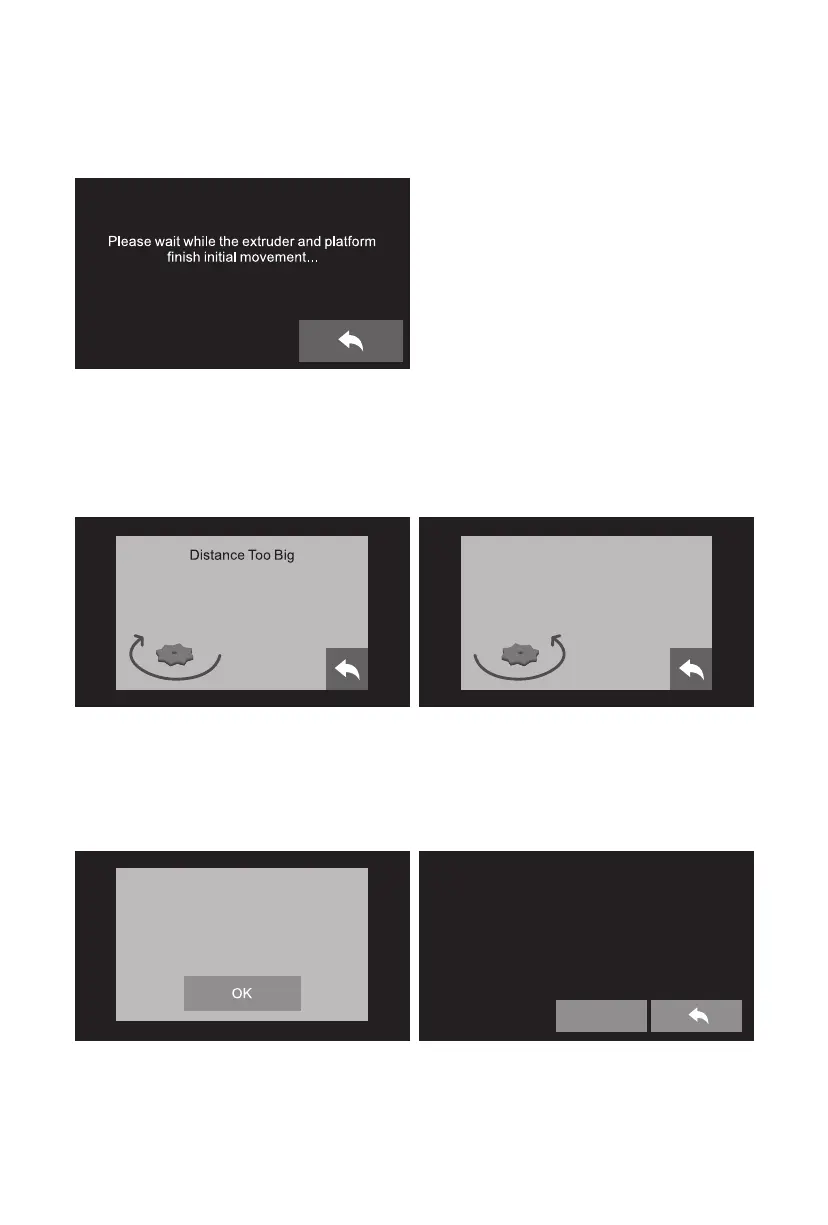
9. Follow the prompts on the touch screen to adjust the corresponding nut till you hear a steady
beep.
Turn the corresponding nut under
the platform clockwise until
you hear the beep.
Distance Too Small
Turn the corresponding nut under
the platform anticlockwise until
you hear the beep.
10. If the distance is appropriate, tap [ok] to next
step. If the diastance still not appropriate,
please follow the prompts on the touch
screen to adjust till you see [ok].
11. Start the third leveling point according to the
method of the second leveling point.
After leveling completed, tap return arrow to
go back to home screen.
Tap the [OK] button to move to
the next leveling point.
Congartulations
Leveling completed!
Finish














 To Next Page