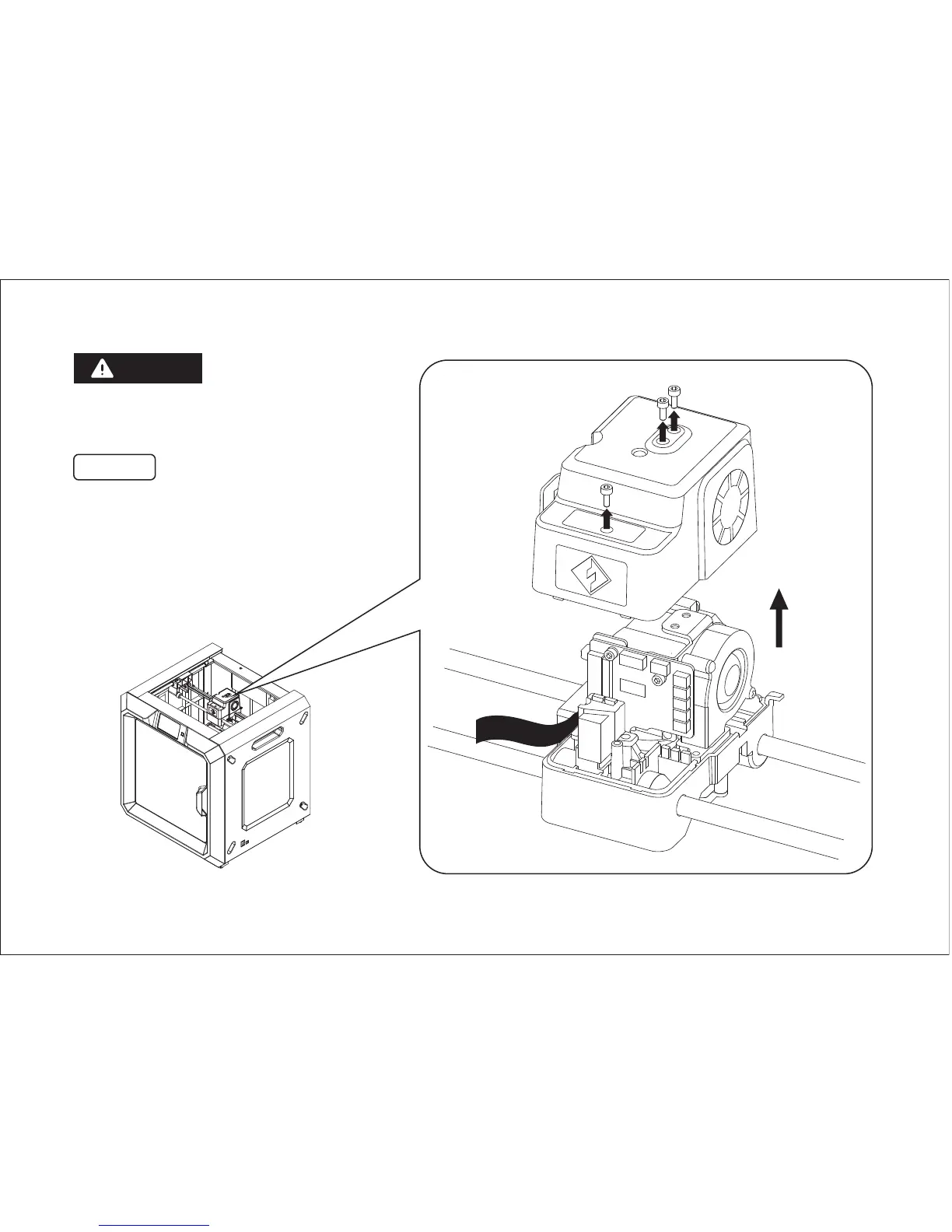
Remove the three screws fixed the top
cover of extruder by using 2.5mm
Allen Wrench, Remove the top cover of
extruder.
* In case cable is brokening,hold cable
when remove the top cover.
Power down before replace
high-temperature nozzle.
WARNING
Top Cover of
Extruder
02
Cable
Step 1















 To Next Page