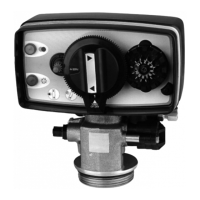
3200 ET & RM
22
2 - VALVE OPERATION
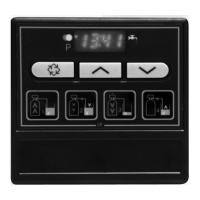
BUTTON FUNCTION
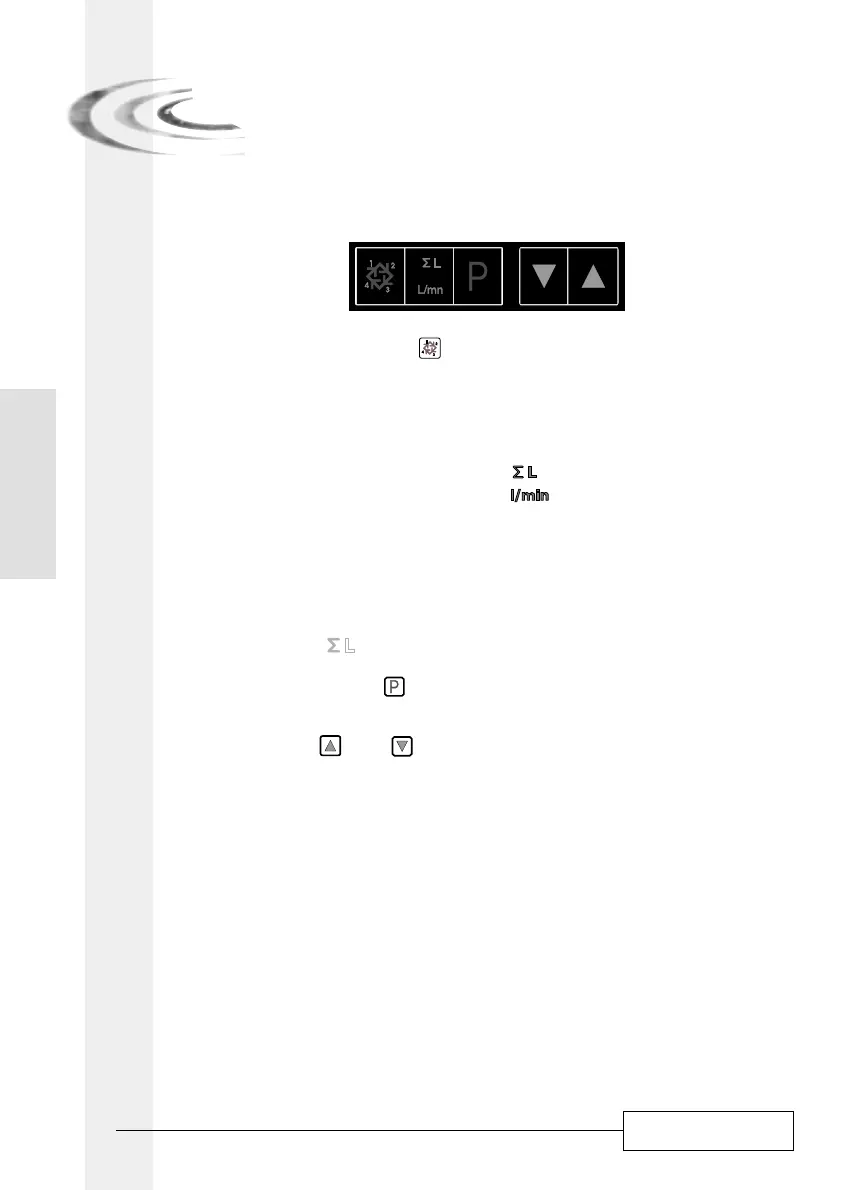
EXTRA CYCLE BUTTON:
Press this button will initiate a manual regeneration.
1. With timeclock or meter delayed regeneration, an extra regeneration will occur at the set
regeneration time. Press this button for 5 seconds, a regeneration will force to occur
immediately.
2. With meter immediate regeneration, an extra regeneration will occur immediately.
TOTALIZER/FLOW RATE BUTTON:
This button is only functional with a metered valve.
Pressing the button once will display the flow rate (in litre/minute). Pressing the button once
again will display the total accumulation of water treated by the valve since it was last
reset. Pressing the button once more will return the display to time of day or volume
remaining.
Press the button for 25 seconds will reset the totalizer display and the arrow
(1)
will flash to
indicate to the operator that the reset is done properly.
(1)
under the pictogram blinking.
PROGRAM BUTTON:
The installer during the valve programming uses this button.
SET BUTTON: UND
This button is used to set the current time of day, adjust the parameter value during the valve
programming and the time remaining in a regeneration cycle.
2.1
2.1.1
2.1.2
2.1.3
2.1.4
E
N
G
L
I
S
H



 To Next Page