PAG E 11Help: 888-426-5001 QualityWaterForLess.com
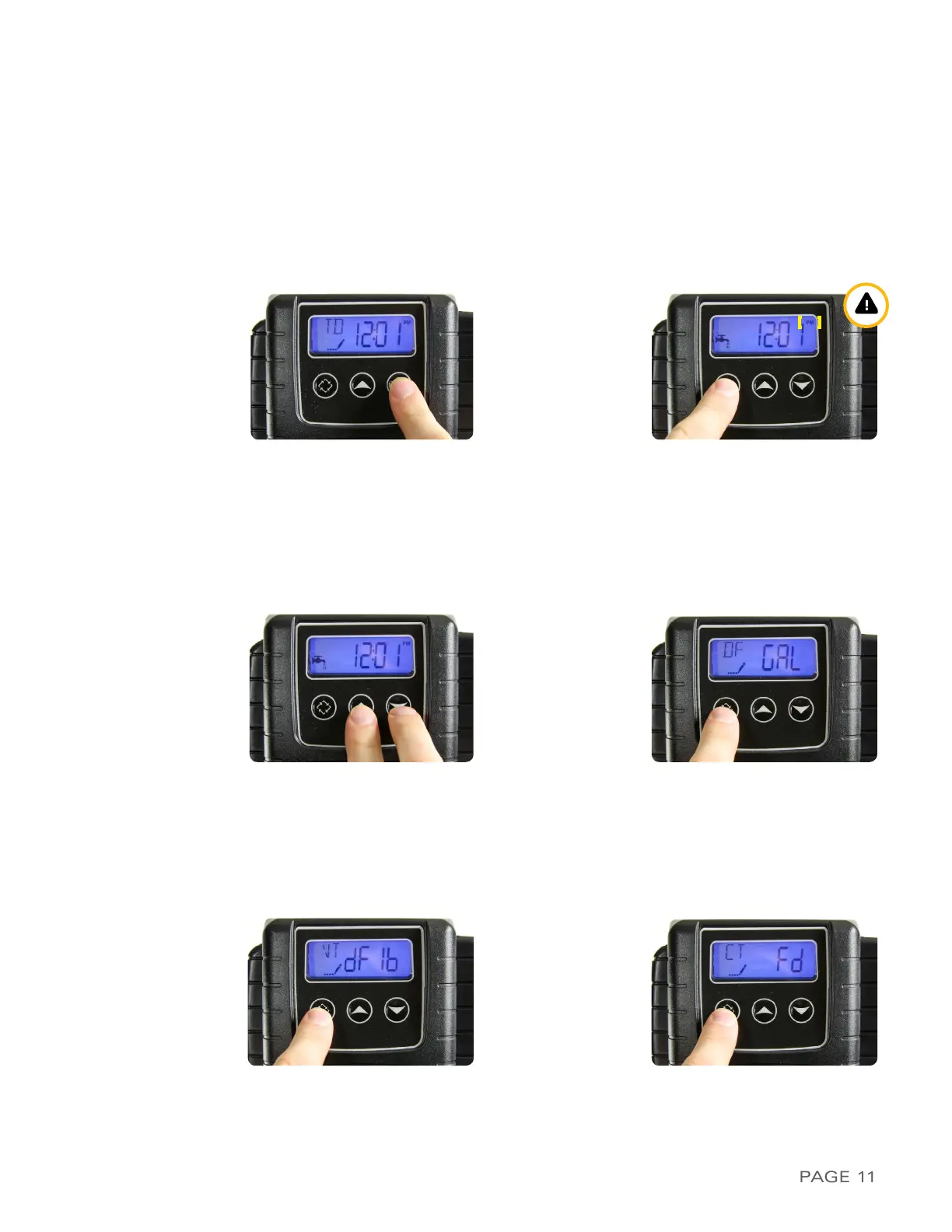
FIGuRe 11-a FIGuRe 11-B
FIGuRe 11-C FIGuRe 11-d
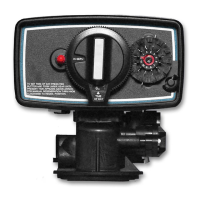
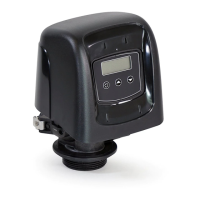
7 ›PRoGRammInG tHe FleCk 5600 sxt ValVe
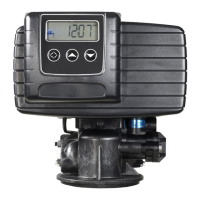
1) To begin programming, first plug in your
5600SXT Valve to a nearby wall outlet. The
system will illuminate 4 digits. The system will
show the time of day and the amount of gallons
remaining before the next regeneration. This
display will switch between these values about
every 10 seconds
2) Set the time on the system to 12:01 PM by
pressing either the UP or DOWN button as
shown in Figure 11-A. i
Be careful to confirm
the presence of the PM symbol in the top
right corner.
You may hold the button to allow
the time to scroll faster. Once the time display is
set to 12:01 PM, press the REGEN button once
as shown in Figure 11-B
3) To enter MASTER PROGRAMMING MODE,
press the UP and DOWN buttons TOGETHER
and HOLD both for 5 seconds as shown in
Figure 11-C
4) The display should now show
DF / GAL
as shown
in Figure 11-D. This indicates U.S. Operational
Mode measuring consumption in gallons.
Do
not change this value and press the REGEN
button once to advance to the next setting
FIGuRe 11-e FIGuRe 11-F
5) The display should now show VT / dF1b as shown
in Figure 11-E. This indicates Valve Type 5600
Mode. Do not change this value and press the
REGEN button to advance to the next setting
6) The display should now show
CT / Fd
as shown
in Figure 11-F. This indicates Control Type Meter
Delayed Mode. Do not change this value and press
the REGEN button to advance to the next setting


 To Next Page