Flexcom Communication Ltd Installation and operating instructions (2021/06/09)
12/26
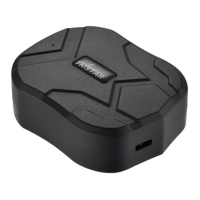
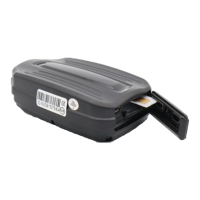
Open the protective cover1.
Insert the card in the correct position.2.
Close the protective cover.3.
Application installation, access
In order to operate the device and other services based on it, the distributor provides mobile and
computer applications in the subscription system. The PC program is accessible via a browser at
https://gpspositions.net/map/, and you can install the phone application on your phone in one of the
following ways:
For Android phones
Open the Google Play app on your phone.1.
Search for „Flexcom” or „Flexcom tracking” on Google Play.2.
Install the tracking application.3.
or
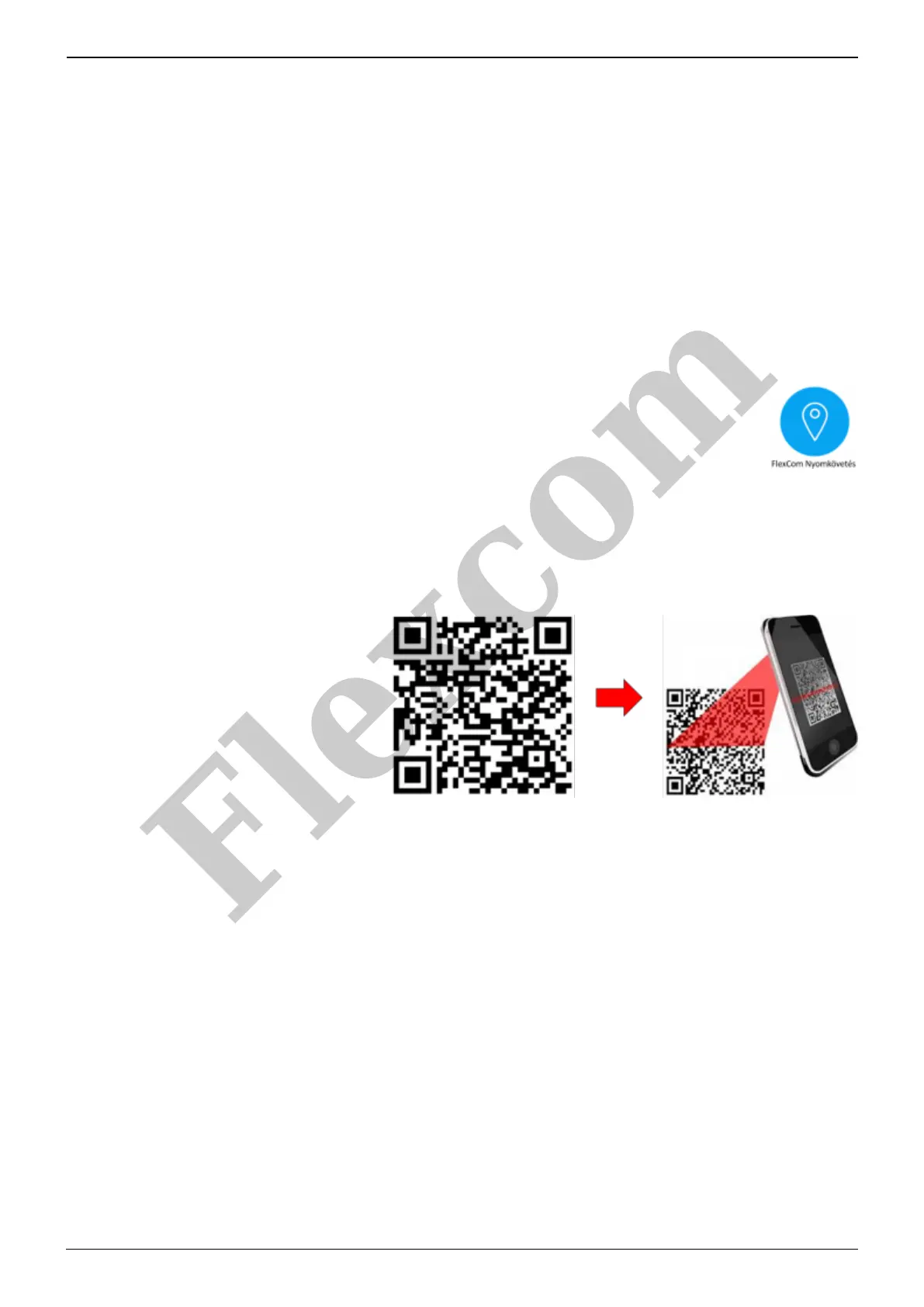
Scan the QR code shown here with your phone.1.
Open the web address decoded from this.2.
Install the Flexcom tracking application.3.
For iPhones
Use the browser on your phone to access the service (https://gpspositions.net/map/).
Flexcom


 To Next Page