Flexcom Communication Ltd Installation and operating instructions (2021/06/09)
14/26
Signal Meaning
Green light flashes slowly (two every two seconds) Searching for GSM / GPRS connection
Green light stays on No GSM / GPRS connection
No green light Device error or sleep mode
Blue light flashes slowly (two every two seconds) Connected to satellites
Blue light stays on Searching for satellites
No blue light Device error or sleep mode
Steady red light Charging
Red light goes out Charged
The LED display lights only during the commissioning phase after the device has been
switched on, not during subsequent continuous operation - for safety reasons. To make
sure your device is working and connected to the GSM and GPS network, turn it off and
then on again.
Charging the battery
The device is powered by a built-in battery, which must be charged at various intervals via the USB
connector, depending on the intensity of use.
The manufacturer has supplied the appropriate charger and USB charging cable with the device. It is
connected to the tracking device via a MICRO USB connector - if you do not use the factory cable,
make sure that it is type-compliant!
Placement
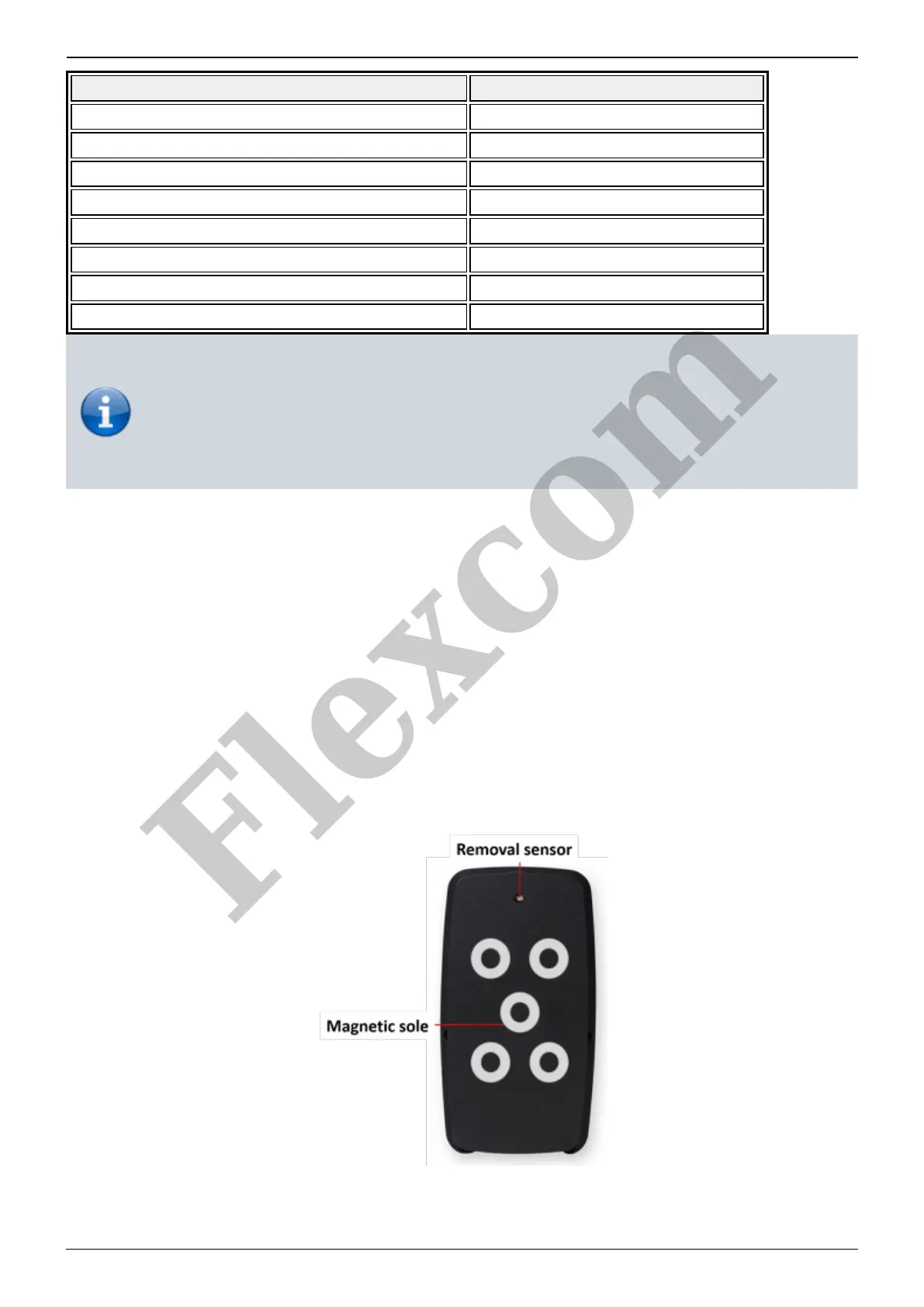
You can use the magnetic base to place the device on any metallic surface of the vehicle that is
suitable for magnetic mounting.
Removal sensor
Flexcom


 To Next Page