03
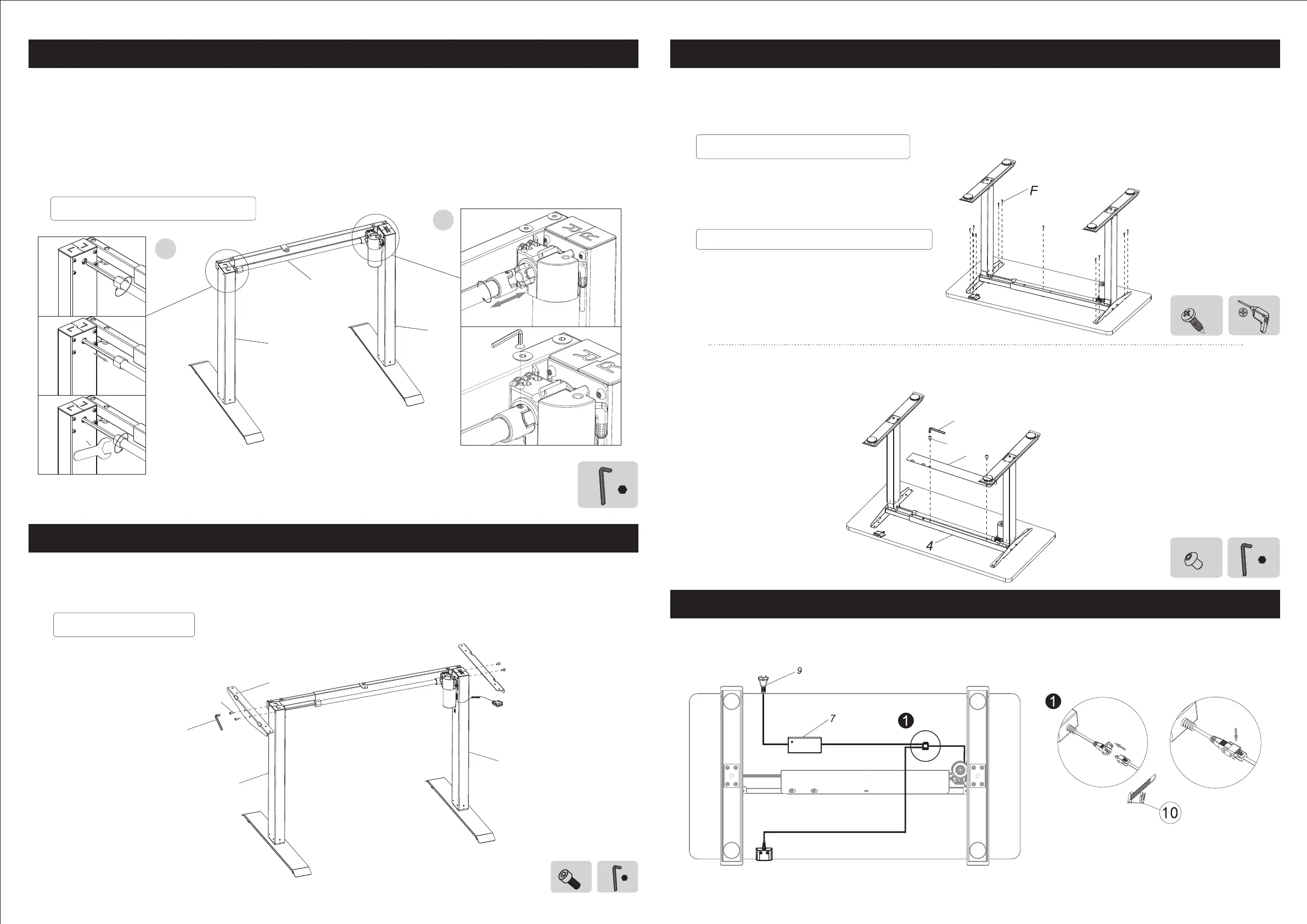
Step 4
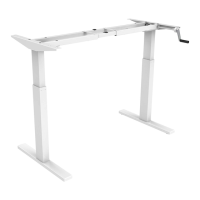
Attach the transmission rob to the desk legs (2&3). Attach leg (2) first as shown on picture ①,
then attach the other one (3) as shown on picture ②. Tighten with 2.5x2.5 hex key (D).
Warning:
To ensure the motor work rightly, please make sure rotate less than 1/3 circle as shown in Figure (2).
Attach the bracket (6) to the desk legs (2&3) using M6x16mm bolts (A). Tighten with 5x5 hex key (C).
04
Step 3 Step 5
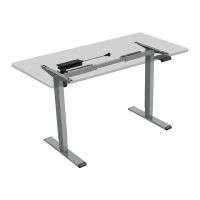
Place the worksurface and attach it to the bracket (6) using ST4.2x30mm screws and tighten with
drill.
Attach the baffle to the beam using M4x6mm bolts(E) and tighten with 2.5x2.5 hex key(D).
Step 6
Connect the cables to the adapter as shown on the picture.
2.5x2.5
D
5
Loo s e n
D
2
3
1
2
1
G
I n s t a l l t r a n s m i s s i o n r o d ( 5 )
Tighten
Insert
Tighten
Rotary insert
C
5x5
A
x4
I n s t a l l b r a c k e t ( 6 )
F
x11
Install the control box and handset
Under 7.9" (200 mm) to the both edges
E
x2
D
2.5x2.5
8
E
D
The cable tie can be used to fasten the
cables to the desktop.
6
C
A
2
3


 To Next Page