3. Operating Instructions
Height Adjustable Function:
1.Press the "▲" button, the standing desk will rise up, press and hold to continue to rise,
when it reaches the highest point, the LED display shows "top".
2.Press the "▼" button, the standing desk will go down, press and hold to continue to
drop, when it reaches the lowest point, the LED display shows "bot".
●
Height Memory Function:
1.When the desktop is in a static state, press and hold the button "1" for three seconds, the
buzzer will produce an audible prompt, and the display shows "S-1", which means the save
is successful, and then adjust the desktop to any height, click the button "1" can reach the
original memory height.
2.Buttons "2", "3" and "4" all have the same memory height function as button "1", just
repeat the above steps.
●
Reset Function
1. When the height of the table does not match the actual height, the table needs to be
reset and corrected, and simultaneously press and hold the "3" and "4" buttons for three
seconds to enter reset mode.
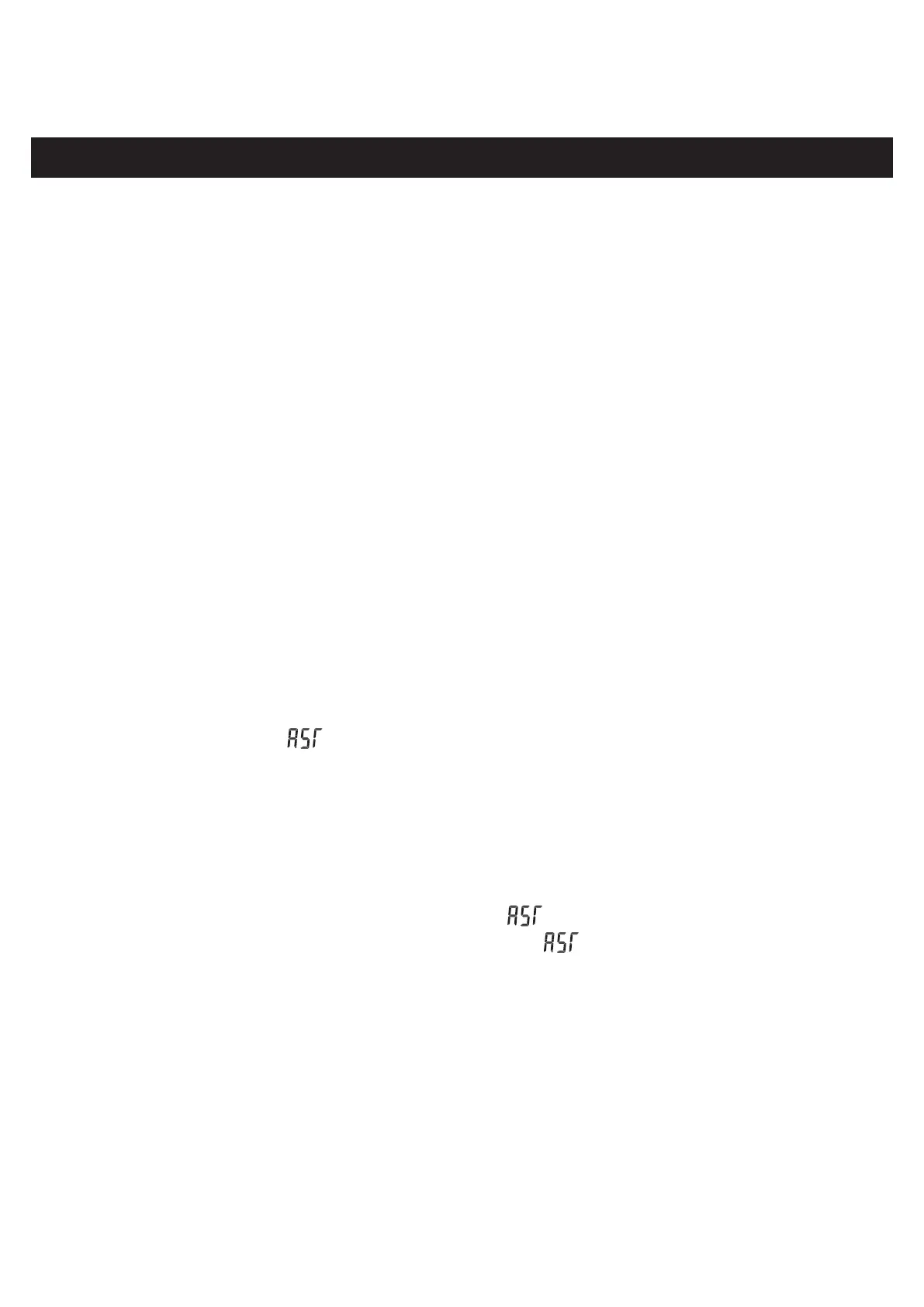
2. The display will show " ", after entering reset mode. At that time, press and hold
the "▼" button to start reset. The tabletop will rebound after reaching the lowest position.
The reset is completed until "bot" is showed on the display.(note: this operation will clear
the original memory height.
●
Reset Function at the lowest position
When the desk is at the lowest position, the display shows "bot". Press and hold the "▼"
button to enter reset mode, the display will show " ".
2. After entering reset state, when the display shows " ", press and hold the "▼"
button to start the reset. The tabletop will rebound after reaching the lowest position. The
reset is completed until "bot" is showed on the display.(note: this operation will not clear
the original memory height.
●
29V DC power supply function:
1.When the standing desk is not in the reset state, after 1 second from running to stopping,
the 29V DC power supply function will be turned on, and the 2pin at the back of the control
box will output a DC 29V voltage. When the display shows error "E01" or "E02", the power
supply will stop.
●
3. When “1” ,“2” ,“3” ,“4”buttons have all done with height memory, click the corresponding
button to rise to the height it has been set. For example, the memory height of the "1" is at
100cm, after pressing the "1" , then the table can run to a height of 100cm.


 To Next Page