EasyManua.ls Logo

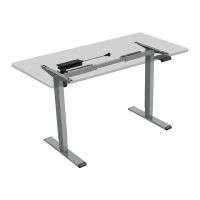
Flexispot F3B - Parts and Initial Setup; Included Parts List; Step 1: Desktop Body Placement

Flexispot F3B
4 pages
Print Icon
To Next Page IconTo Next Page
To Previous Page IconTo Previous Page
Loading...
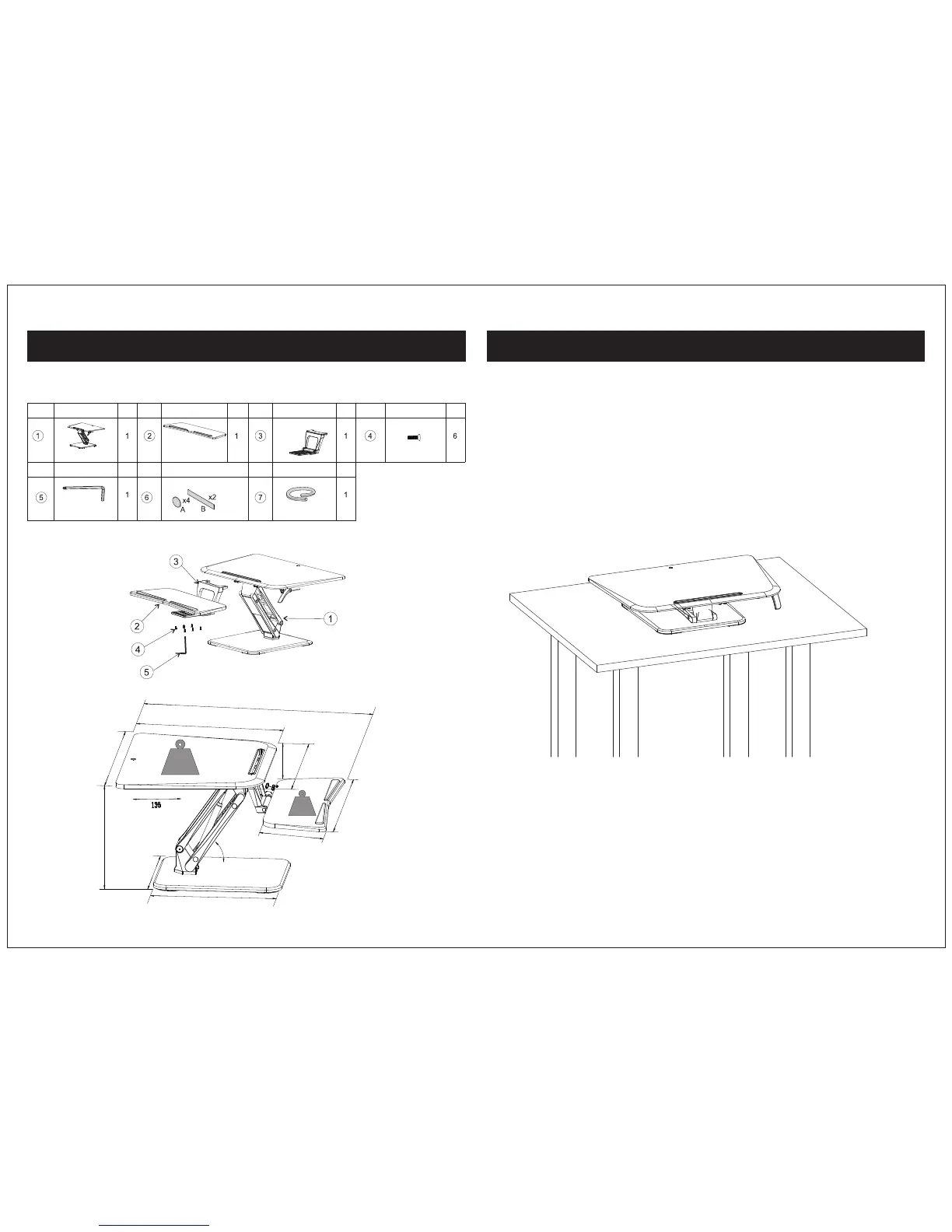
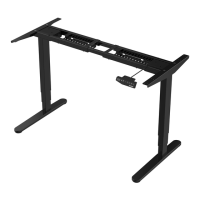
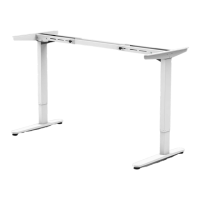
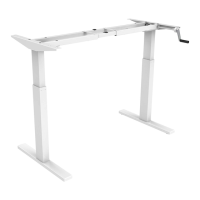
Parts Included:
Step 1: Place the desktop body on an even surface
02 03
The diagram shown is for reference only and may not accurately depict all parts. Please contact
customer service if there is any part missing.
Body Part
Part#
Part Name
Qty
Part#
Part Name
Qty
Part#
Part Name
Qty
Keyboard Tray
Qty
Part Name
Part#
Connecting
Plate
Part#
Part Name
Qty
Part#
Part Name
Part#
Part Name
Qty
5X5 Wrench
Stickers
Cable Sleeve
Attach the connecting plate to the keyboard tray and tighten with 6pcs screws.
30" (761mm)
20.9" (530mm)
Max
33 Ibs
5.7" (144mm)
24.3" (616mm)
Max
4.4Ibs
26.5" (673mm)
9.2" (233mm)
0-55°
6.7" - 17" (170 - 430mm)
26.8" (680mm)
16.5" (420mm)
18" (460mm)
Screws

Related product manuals