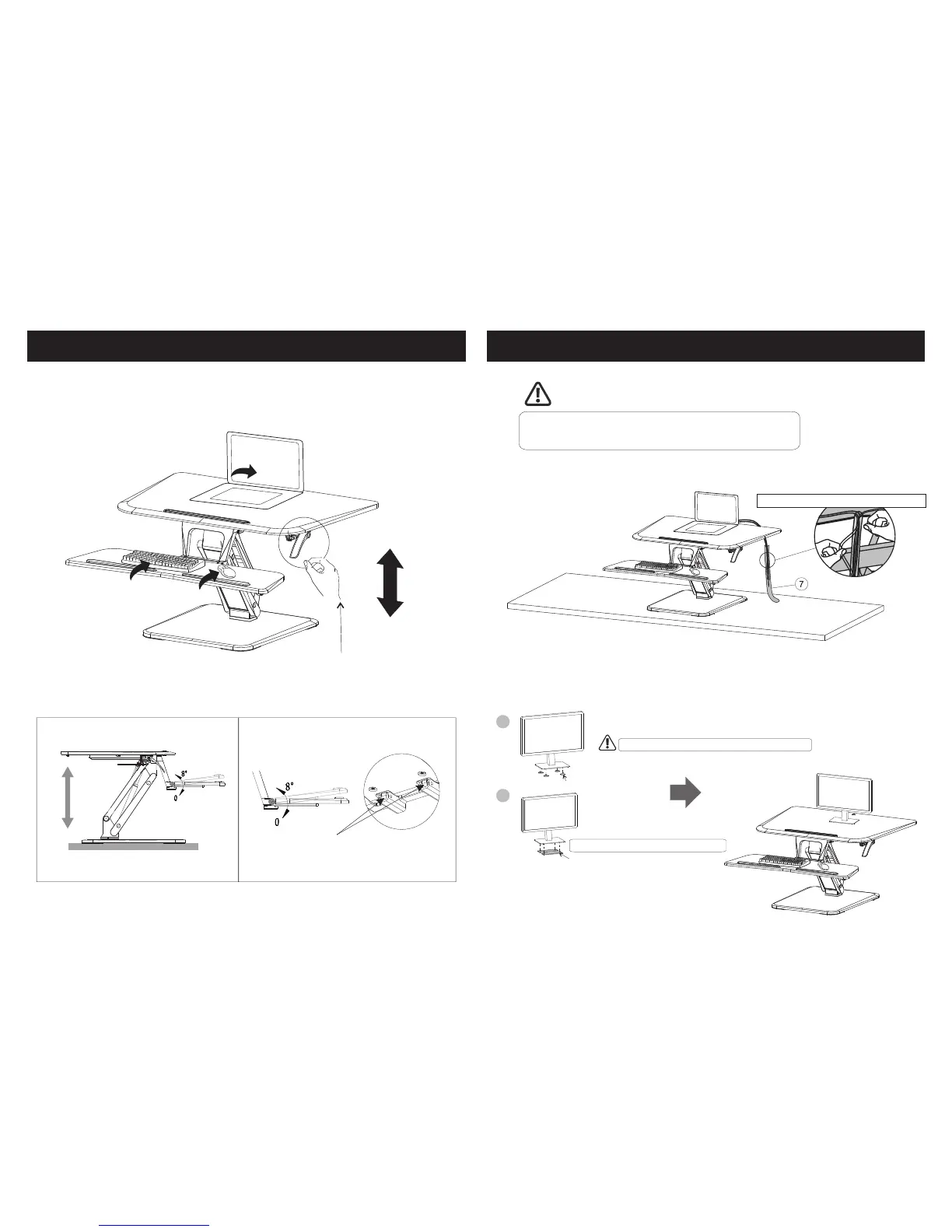
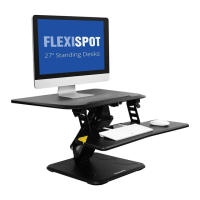
Step 4: Place Your Devices Onto The Workstation
06 07
Caution: Please make sure the desk surface is bigger than the
base plate of the workstation. Failure to do so may result in
damage to the device or physical injury.
Press the handle grips on both sides simultaneously, and adjust the workstation to the
proper height. The height adjustable range is 6.7" - 17" (170 - 430mm).
Adjust the keyboard tray angle to suit your personal requirements.
The adjustable range of the keyboard tray is 0° - 8 °.
A
B
Use stickers to attach monitor to your desktop unit.
Stickers can be reused after cleaning with water
Stickers A
Stickers B
According to the need to clip stickers B
6.7" - 17" (170 - 430mm)
Step 5: Use stickers to attach monitor to your desktop unit
Manage the cables using cable sleeve.


 To Previous Page