1. Start & Setting
SYSTEM START
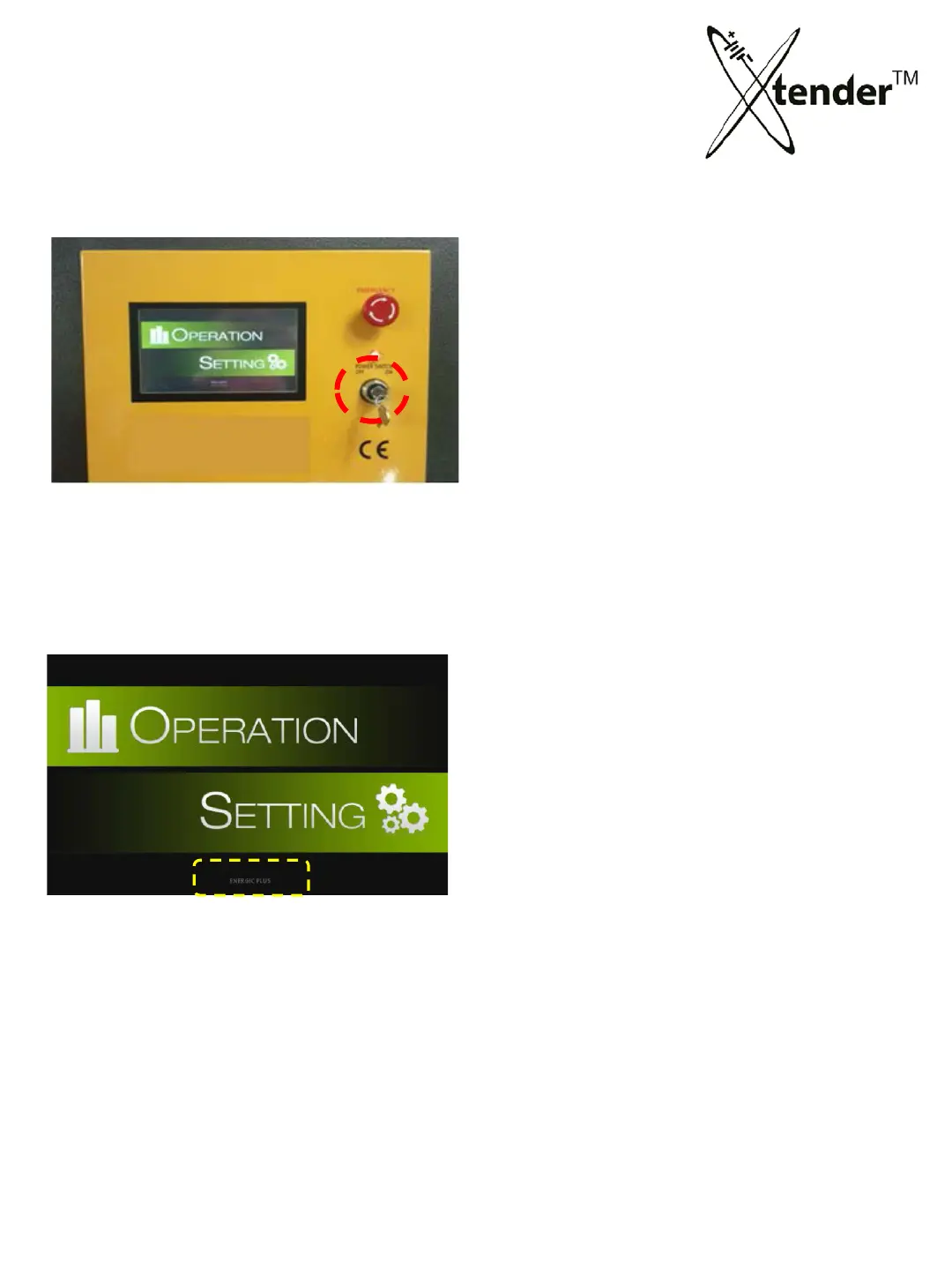
1) Turn the key of Xtender “ON”.
2) System loading picture with Xtender logo will show in screen.
3) After booting up PC, main
screen will show as above.
4) Select the mode by touching the position.
OPERATION : Enter the mode for Restoration & Discharging
SETTING : Configure the Xtender settings & Software upgrade
Each model shows on screen
93-M1001
93-M1005
93--
M1007
93-M1009
[Main Screen]
25



 To Next Page