1. Start & Setting
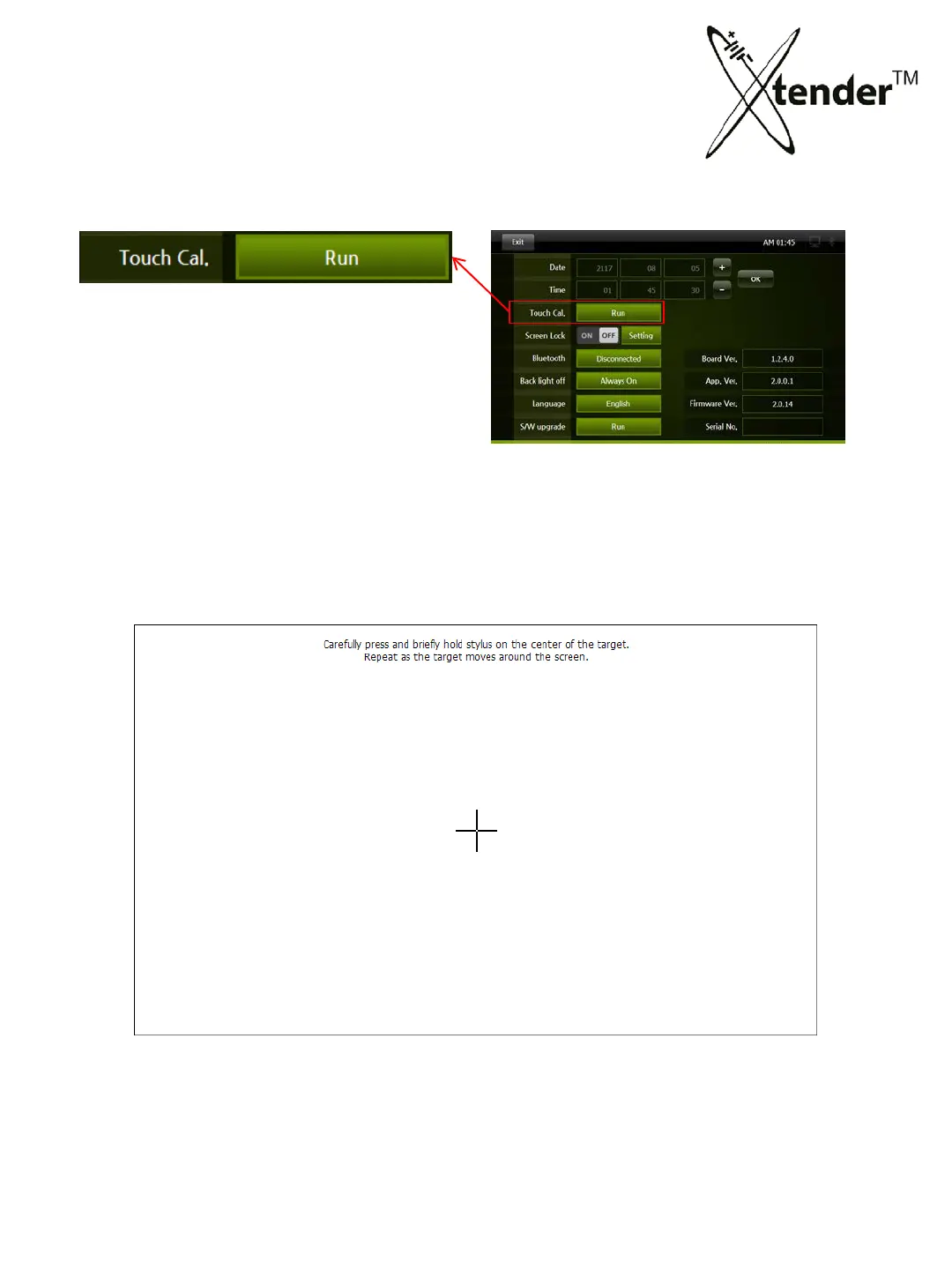
SETTING SCREEN – TOUCH CALIBRATION
Touch Screen is for setting of coordinate
location.
You can select : Touch Calibration, Run
for activation.
1) When you activate, “+” will be shown up on the screen as under.
2) Keep press “+” with finger or touch pen, it will move and calculate location of
coo
rdinate.
27



 To Next Page