EasyManua.ls Logo

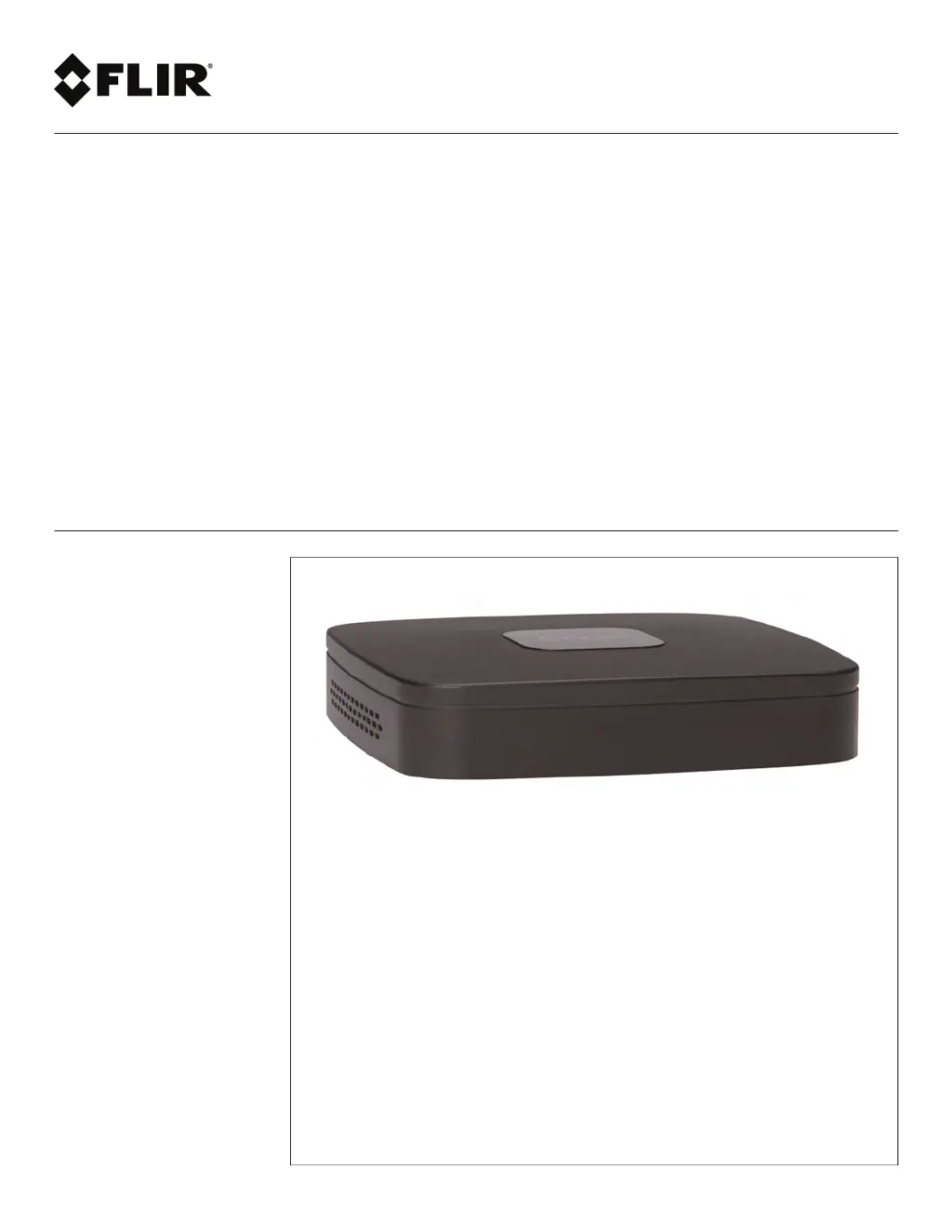
FLIR DNR218 - User Manual

FLIR DNR218
220 pages
Print Icon
To Next Page IconTo Next Page
Loading...
Instruction Manual
DNR210 Series

Table of Contents

Questions and Answers

  • A
    Amy PughAug 6, 2025
    What to do if my FLIR Network Hardware is not receiving power?
    • J
      jason14Aug 6, 2025
      If your FLIR Network Hardware isn't receiving power or powering up, first ensure all cables are correctly and securely connected, including the power adapter at the back of the unit. If the connections are good, confirm the system is powered on by checking the LED indicators. If it's connected to a power bar or surge protector, try plugging it directly into a wall outlet. Finally, test the outlet by plugging another device into it to confirm the outlet is working.
  • D
    Dakota Alvarez DDSAug 20, 2025
    What to do if the hard drive is not detected by FLIR Network Hardware?
    • S
      Susan GoodwinAug 20, 2025
      If the hard drive is not detected by the FLIR Network Hardware system, remove the housing and check that the hard drive cables are firmly connected.

Summary

Important Safeguards

Getting Started and Basic Setup

Initial Hardware Connections

Step-by-step guide for connecting cameras, mouse, monitor, and power.

NVR Interface and Control

Recording, Playback, and Backup

User Management and Remote Access

Password and User Account Management

Changing passwords and managing user accounts and roles.

Connecting via PC;Mac

Connecting to the NVR system remotely via a PC or Mac.

Connecting via Mobile Apps

Connecting to the NVR using smartphone or tablet applications.

Advanced Configuration and Troubleshooting

Troubleshooting Common Issues

Identifying and resolving common NVR malfunctions.

FLIR DNR218 Specifications

General IconGeneral
ModelDNR218
HDD Bays2
TypeNetwork Video Recorder
Video CompressionH.264
Video Output1 HDMI, 1 VGA
Network Interface1 Gigabit Ethernet

Related product manuals