Programming Menu System
6
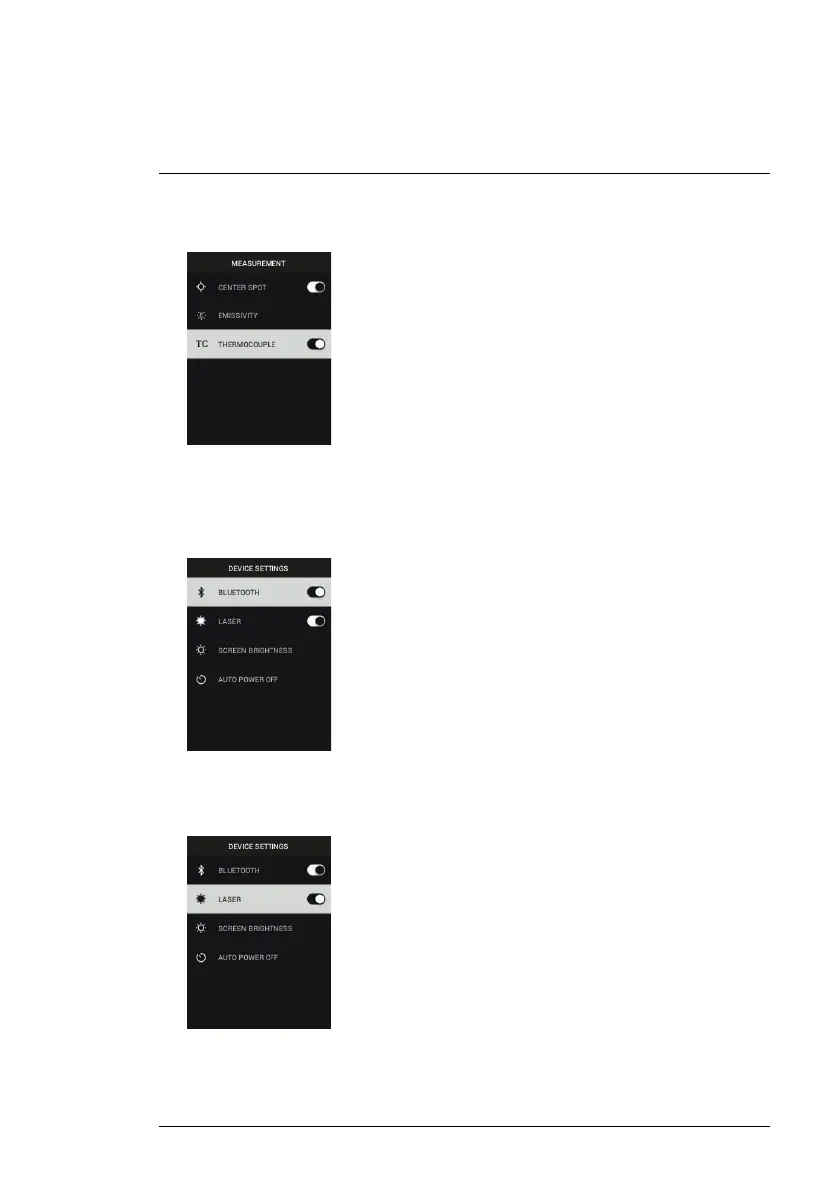
3. Thermocouple: Press MENU to toggle the Thermocouple mode ON/OFF
(TG267 only).
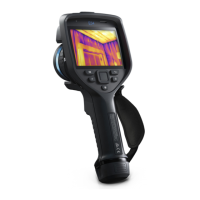
• DEVICE SETTINGS
1. Bluetooth® (TG267 and TG297 only): Press MENU to switch Bluetooth®
ON or OFF. See Section 7, Bluetooth® Communication and FLIR Tools™,
for details.
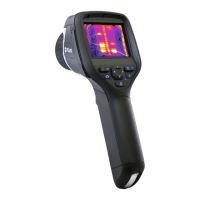
2. Laser: Press MENU to enable/disable the Laser pointer. When enabled,
you can use the Laser pointer button to switch ON the Laser pointer. Use
the Laser pointer for accurate targeting of measurement spots.
#NAS100014; r. AK/74592/74592; en-US
18


 To Next Page