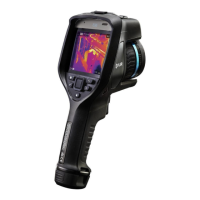
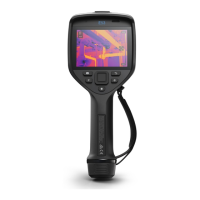
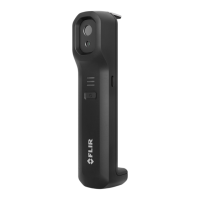
Camera overview
6
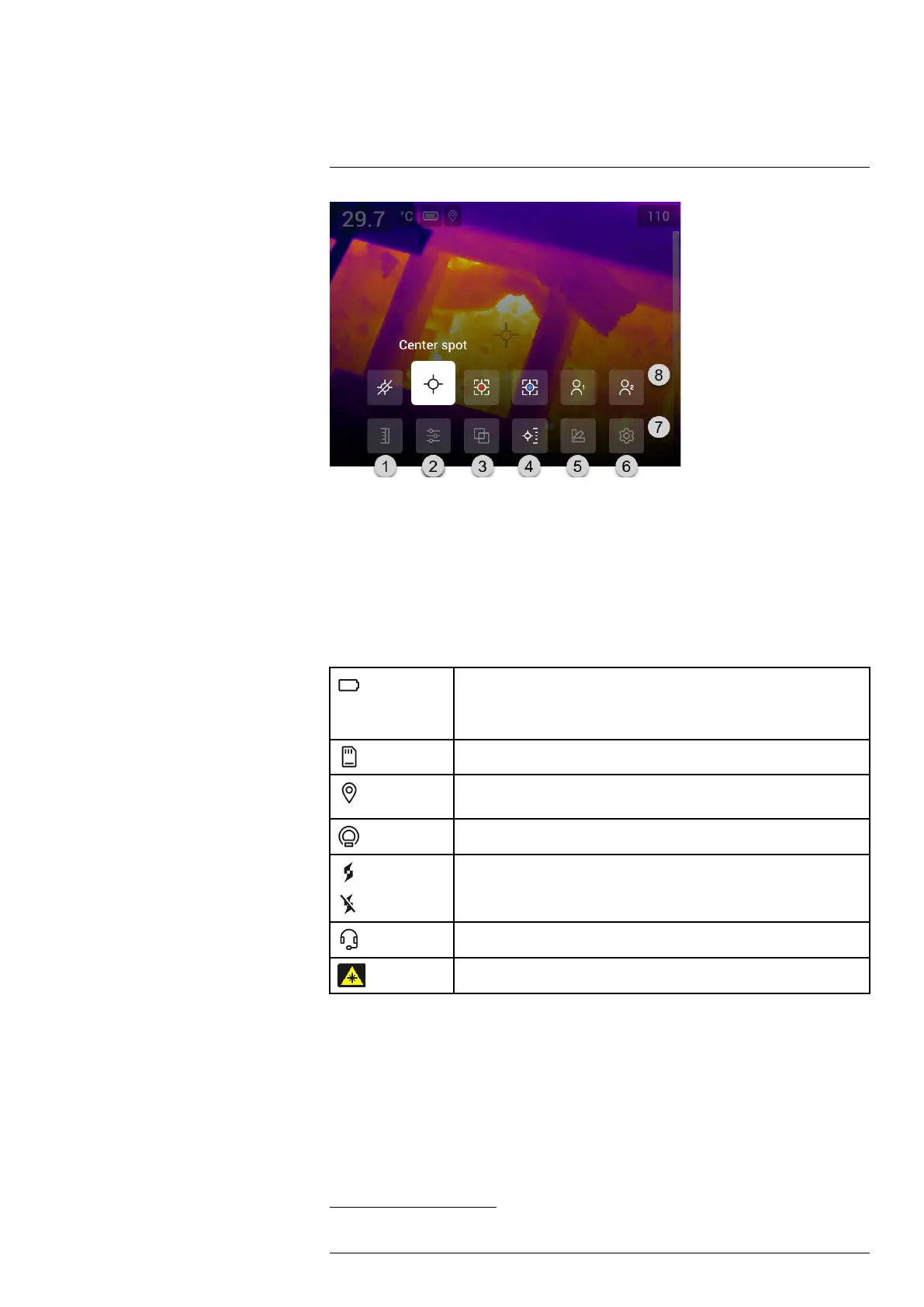
1. Temperature scale button.
2. Measurement parameters button.
3. Image mode button.
4. Measurement button.
5. Color button.
6. Settings button.
7. Main menu.
3
8. Submenu.
6.4.3 Status icons and indicators
Battery status indicator.
• When the battery status is above 75%, the indicator is green.
• When the battery status is 15–75%, the indicator is yellow.
• When the battery status is below 15%, the indicator is red.
The remaining storage capacity of the memory card is below 100 MB.
The GPS is enabled.
If the icon is grey, the camera cannot find a GPS signal.
External infrared window compensation is enabled.
The camera is paired with a FLIR Ignite account.
The camera is paired, but does not have contact with FLIR Ignite (no internet
connection).
A Bluetooth headset is connected.
The laser is on.
6.4.4 Swipe-down menu
To open the swipe-down menu, place your finger at the top of the screen and swipe
down.
#T810587; r. AC/84076/84376; en-US
15
3. This item is dependent on the camera model.


 To Next Page