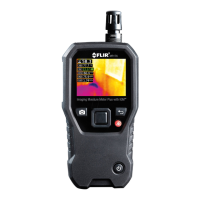
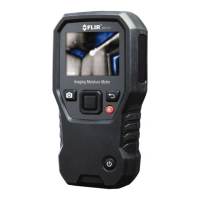
Introduction
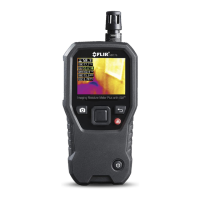
Thank you for choosing the FLIR MR40 Pen Moisture Meter with high power
flashlight. The MR40 measures moisture content (MC) in wood, brick, con-
crete and other building materials and traces leakage inside walls, ceilings,
and floors.
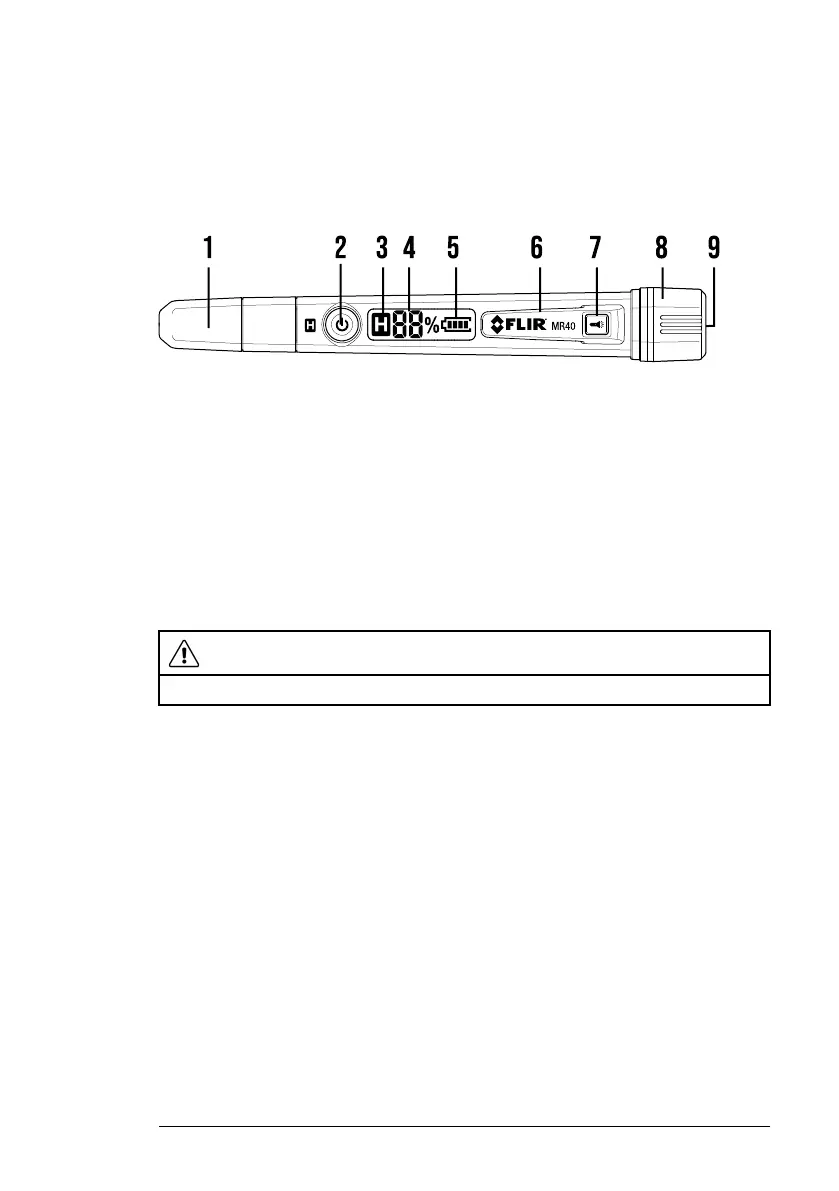
Description
1. Electrode pins protective cap
2. Power/Display Hold button
3. Display Hold icon
4. Moisture Reading
5. Battery status icon
6. Pocket clip
7. Flashlight ON/OFF button
8. Battery compartment cap
9. Flashlight
Operation
CAUTION
Electrode pins are extremely sharp. Use protective cap when instrument is not in use.
1. Long press the Power button to switch MR40 ON/OFF. The LCD displays
two blinking dashes, % symbol, and battery status icon. The MR40 auto-
matically switches OFF after 3 minutes.
2. Remove the protective cap to expose the electrode pins.
3. Carefully push pins into material under test. Insert pins perpendicular to
wood’s fiber structure.
4. Take several readings in various locations for the best representation of
the moisture present.
5. Read the LCD as follows:
• Low pitch single beep indicates moisture from 5 to 12%.
• High pitch single beep indicates moisture from 13 to 60%.
• High pitch rapid beeping indicates moisture > 60% (OL displayed).
6. Short press the Power/Hold button to freeze a reading (H icon is dis-
played). Press again to exit.
7. Long press the flashlight button to switch the light ON or OFF.
8. Replace the protective cap when finished.
#NAS100218; r. AD/97201/97216; en-US
1



 To Next Page